How to Follow World Cup Matches in Europe
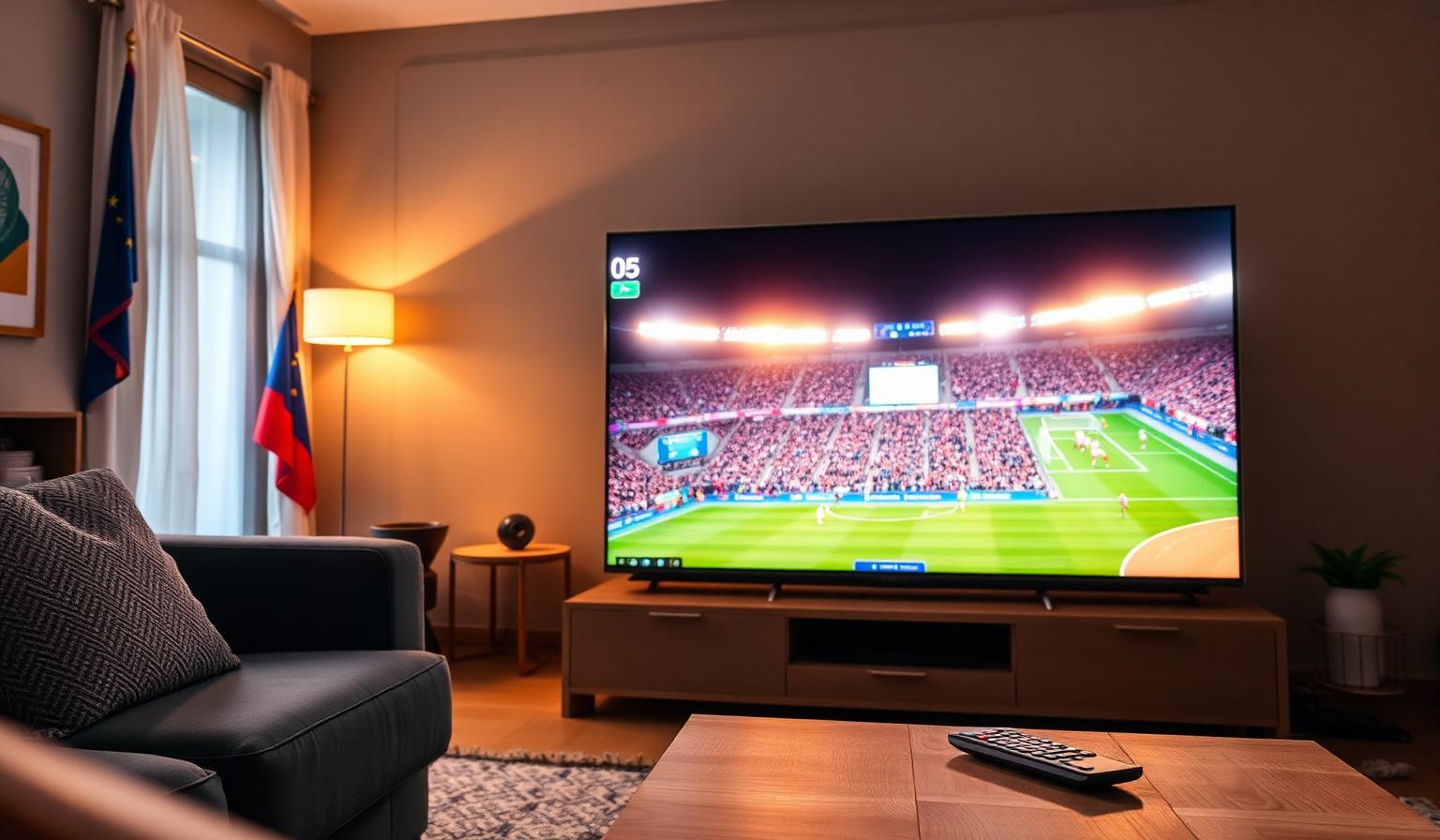
How to Follow World Cup Matches in Europe: A Complete 2026 Guide
Few sporting events bring Europe together like the FIFA World Cup. From packed living rooms in Madrid to outdoor screens in Berlin and sports bars in London, fans across the continent organize their schedules around kick-off times. The good news is that following World Cup matches in Europe has never been easier: free-to-air broadcasters, official streaming apps, Smart TV platforms and second-screen experiences mean you can keep up with every goal wherever you are. In this guide, we explain how to follow World Cup matches in Europe step by step — from finding the right broadcaster in your country, to setting up your Smart TV, choosing the best streaming apps, and using companion tools so you never miss a decisive moment.
Where to Watch the World Cup in Europe
Most European countries have at least one free-to-air broadcaster showing the biggest matches. Coverage varies by tournament, so always confirm rights for the current edition, but the long-standing broadcasters are a reliable starting point.
- United Kingdom: BBC iPlayer and ITVX (free).
- France: TF1, M6 and beIN Sports.
- Germany: ARD, ZDF and MagentaTV.
- Italy: RAI (free) and Sky Sport.
- Spain: RTVE and Movistar Plus+.
- Netherlands: NOS (free).
- Portugal: RTP, SIC and Sport TV.
- Nordics: SVT, NRK, DR, YLE (free).
- Pan-European: DAZN in selected markets.
Step-by-Step: Set Up Your Smart TV for the World Cup
- Update your TV software. Open Settings → System → Software Update on your Samsung, LG, Sony or Android TV to ensure broadcaster apps run smoothly.
- Install the official broadcaster app for your country (BBC iPlayer, ITVX, TF1, ARD/ZDF, RAI, RTVE, etc.).
- Sign in or register a free account where required.
- Connect via Ethernet if possible, or use 5 GHz Wi-Fi for less interference.
- Enable 4K HDR in the TV's picture settings if your broadcaster offers UHD streams.
- Test playback before kick-off with a highlight clip or a non-match program.
Want a deeper Smart TV walkthrough? Our guide to watching the FIFA World Cup 2026 on Smart TV covers picture optimization and app setup in more detail.
Best Devices and Apps to Follow the Matches
Smart TVs
- Samsung Tizen and LG webOS have all major European broadcaster apps in their stores.
- Android TV / Google TV adds Google Play access for additional sports apps.
Streaming Devices
- Amazon Fire TV Stick 4K Max — strong app coverage and 4K HDR support.
- Chromecast with Google TV 4K — easy casting from your phone.
- NVIDIA Shield TV — best in class for picture quality and performance.
Mobile and Companion Apps
- FIFA Official App — match center, lineups, real-time stats.
- FotMob and Onefootball — live scores, commentary feeds, push notifications.
- Broadcaster apps for live streams and on-demand highlights on the go.
Looking for app suggestions across Smart TVs and streaming sticks? Our top streaming apps for live TV in 2026 roundup is a good companion read.
Tips and Best Practices for a Great Viewing Experience
- Wired internet beats Wi-Fi. Ethernet keeps the picture stable during the busiest moments.
- Choose the right resolution. Pick 4K only if your TV, app and connection all support it.
- Use a soundbar or home theater system to bring stadium atmosphere into the room.
- Set fixture reminders in the FIFA app or your calendar across local time zones.
- Mute social media notifications during matches to avoid spoilers from earlier broadcasts.
- Use a second screen for live stats while the main TV stays on the match.
Pros and Cons of the Main Viewing Options
Pros
- Most major matches available free-to-air in Europe.
- 4K HDR coverage on supported broadcasters.
- Watch on any device — TV, phone, tablet, laptop.
- Replays, highlights and on-demand catch-up.
Cons
- Live streams can lag 20–60 seconds behind broadcast.
- Some matches sit behind paid sports tiers.
- Peak demand can stress home Wi-Fi networks.
- Rights can change between tournaments.
Following Matches When You Are Travelling Within Europe
EU portability rules mean that paid streaming services you subscribe to in your home country generally remain accessible when you travel temporarily within the EU. Free public broadcasters, however, are usually limited to their home territory. A few practical tips:
- Sign in to your subscription apps before leaving home.
- Download offline highlights where the app supports it.
- Rely on official live-score apps when streams are unavailable.
- Check local free-to-air coverage at your destination.
Conclusion
Following World Cup matches in Europe in 2026 is easier and more flexible than ever. With strong free-to-air coverage in most countries, polished broadcaster apps on every Smart TV platform, and excellent companion tools for stats and highlights, fans can build a viewing setup that fits their home, schedule and budget. Take a few minutes before the tournament to update your TV, install the right apps and stabilize your internet connection — then sit back and enjoy every match, knowing you have the best possible front-row seat from wherever you are in Europe.
Ready to start streaming?
Explore our subscription plans and get instant access to live TV, sports and a huge VOD library on any device.
View IPTV PlansFrequently Asked Questions
More from the blog
Complete guide to streaming the FIFA World Cup 2026 with IPTV — best devices, apps, internet speeds, setup steps and tips for HD & 4K live football.
Complete guide to high quality streaming with VOD — best devices, internet speed needs, setup steps, pros & cons, and expert tips for the ultimate on-demand experience.