Best Firestick Apps for Entertainment (2026 Guide)
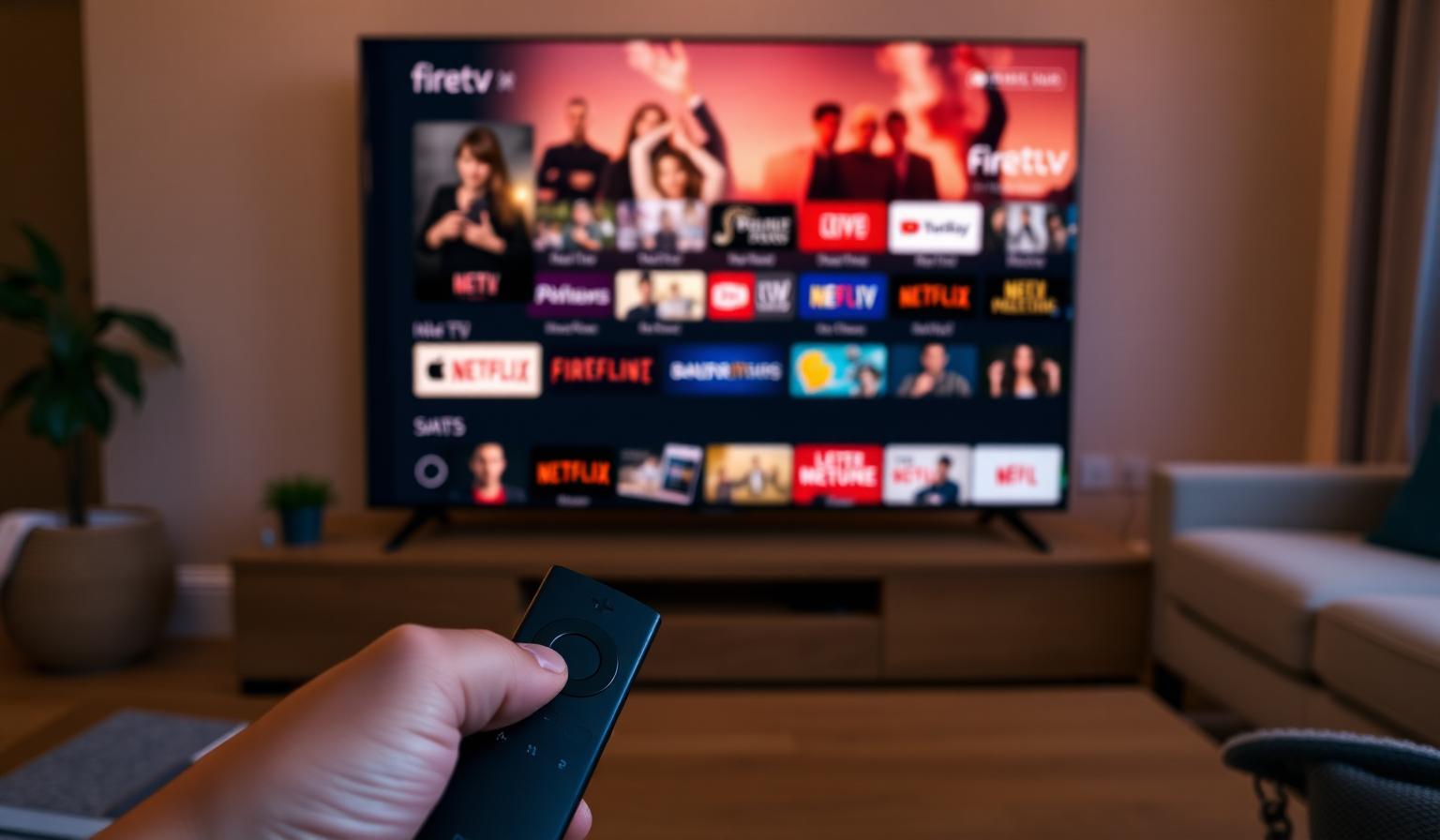
The Amazon Firestick has quietly become one of the most popular streaming devices on the planet — small, affordable and packed with apps for every kind of entertainment. With the right mix of streaming apps, live TV services and IPTV players, a single Firestick can replace a cable box and turn any TV into a global entertainment hub. Whether you love blockbuster movies, binge-worthy series, live sports or international news, choosing the best Firestick apps makes all the difference. In this guide, you'll discover the top Firestick apps for entertainment in 2026, how to set them up step by step, and the tips and best practices that keep your streaming smooth, organized and future-proof.
Why the Firestick Is a Top Streaming Device
The Firestick plugs straight into any HDMI port, runs the Fire TV operating system and gives you instant access to thousands of streaming apps. The 4K Max model adds Wi-Fi 6 support, faster performance and HDR10+ for cinematic picture quality. It's the easiest way to upgrade an older TV — or to build a complete entertainment setup from scratch.
What Makes a Great Firestick App?
- Smooth playback in HD and 4K UHD
- Clean interface optimized for the Firestick remote
- Reliable updates and good Fire TV compatibility
- Useful features: watchlists, EPG, multi-screen, downloads
- Strong content library or unique value (live TV, sports, international)
- Free or fair pricing for what's offered
Best Firestick Apps for Entertainment
1. Streaming Giants
- Netflix — originals, movies, K-dramas and global hits
- Amazon Prime Video — huge catalog, 4K HDR, included with Prime
- Disney+ — Marvel, Star Wars, Pixar, family classics
- Apple TV+ — premium originals and documentaries
- Max (HBO) — Warner Bros. blockbusters and HBO prestige
2. Free, Ad-Supported Apps
- Pluto TV — hundreds of free live channels and on-demand
- Tubi — large free movie and series library
- Amazon Freevee — free movies, shows and live channels
- Plex — free live TV plus your personal media library
- The Roku Channel — free movies, series and live channels
3. Live TV and Sports
- YouTube TV — strong US live lineup with unlimited DVR
- Sling TV — flexible packages and add-ons
- Fubo — sports-focused with international channels
- DAZN — global live sports
- ESPN+ — exclusive matches and originals
4. IPTV Players
IPTV players turn your Firestick into a worldwide TV hub. They work with any quality IPTV service via a playlist URL or Xtream Codes, and bring international channels, sports and VOD into one organized interface.
- IPTV Smarters Pro — clean layout, EPG, multi-screen support
- TiviMate — premium feel, advanced EPG and recording
- OTT Navigator — flexible playlists and customization
- XCIPTV — solid free option with built-in features
5. Music, News and Extras
- Spotify and Amazon Music — soundtrack your home
- YouTube — music, tutorials, sports highlights
- BBC News, Sky News, Al Jazeera English — free live news
- TED and Curiosity Stream — documentaries and learning
- Kindle and Audible — reading and audiobooks on the big screen
Step-by-Step: Set Up Your Firestick for Entertainment
Step 1 — Plug In and Update
Connect your Firestick to an HDMI port and the included USB power adapter. Sign in with your Amazon account and let Fire TV install the latest system updates before adding apps.
Step 2 — Optimize Network Settings
Connect to the 5GHz band of your Wi-Fi router or use an Ethernet adapter. Run a quick test by streaming a 4K trailer — smooth playback means your network is ready for the Firestick 4K Max.
Step 3 — Install Your Core Apps
Open the Amazon Appstore and install your essentials: Netflix, Prime Video, Disney+, YouTube, Pluto TV, Spotify and an IPTV player like IPTV Smarters Pro or TiviMate.
Step 4 — Sign In and Personalize
Log into each app, set up profiles where supported, and pin your favorites to the Fire TV home row for quick access.
Step 5 — Configure IPTV (Optional)
Open your IPTV player, paste your playlist URL or Xtream Codes credentials and let the app build your channel grid. Organize favorites by category — News, Sports, Movies, Kids — for one-click access.
Step 6 — Tune Picture and Sound
- Match the Fire TV display to your TV's native 4K HDR resolution
- Enable Dolby Atmos passthrough if you have a soundbar
- Use HDMI 2.1 cables for stable 4K HDR streams
Pros and Cons of Streaming on Firestick
- • Affordable and easy to set up
- • Huge app catalog — movies, sports, live TV, music
- • 4K HDR support on Firestick 4K Max
- • Voice search and Alexa integration
- • Portable — take it on holiday or business trips
- • Compatible with all major IPTV players
- • Home screen is heavy on Amazon promotions
- • Limited internal storage on lower-tier models
- • Some apps need sideloading on older devices
- • Performance dips if too many apps are installed
- • Wi-Fi-only by default — Ethernet adapter sold separately
Tips and Best Practices
- Stick to apps from the official Amazon Appstore for safety and updates
- Restart your Firestick weekly to keep playback smooth
- Clear app cache occasionally if buffering increases
- Use a powered USB hub or Ethernet adapter for the most stable connection
- Pin favorites to the home row to avoid scrolling fatigue
- Use Alexa voice search to launch apps and find content faster
Build Your Ideal Firestick Setup
The best Firestick experience comes from curating, not collecting. Pick one or two paid streaming services, add a few free apps, install an IPTV player for international live TV, and you'll have an entertainment setup that covers movies, series, sports and news in HD or 4K.
Want to dig deeper? Read our beginner's guide to setting up IPTV on Firestick, our best IPTV apps for Android & Firestick guide, or browse the subscription plans designed for global live TV in HD and 4K.
Conclusion
The best Firestick apps for entertainment in 2026 turn a tiny streaming stick into a worldwide cinema, sports stadium and music player. Mix major streaming services with free ad-supported apps, add a quality IPTV player for global live TV, and personalize the Fire TV home screen so your favorites are always one click away. Plug in, sign in, and let your Firestick deliver the entertainment world straight to your living room.
Ready to start streaming?
Explore our subscription plans and get instant access to live TV, sports and a huge VOD library on any device.
View IPTV PlansFrequently Asked Questions
More from the blog
Complete guide to high quality streaming with VOD — best devices, internet speed needs, setup steps, pros & cons, and expert tips for the ultimate on-demand experience.
Complete guide to premium 4K streaming for IPTV — best devices, internet speed needs, HDR setup, pros & cons, and expert tips for stunning Ultra HD quality.