Best IPTV Apps for Apple Devices in Europe (2026)
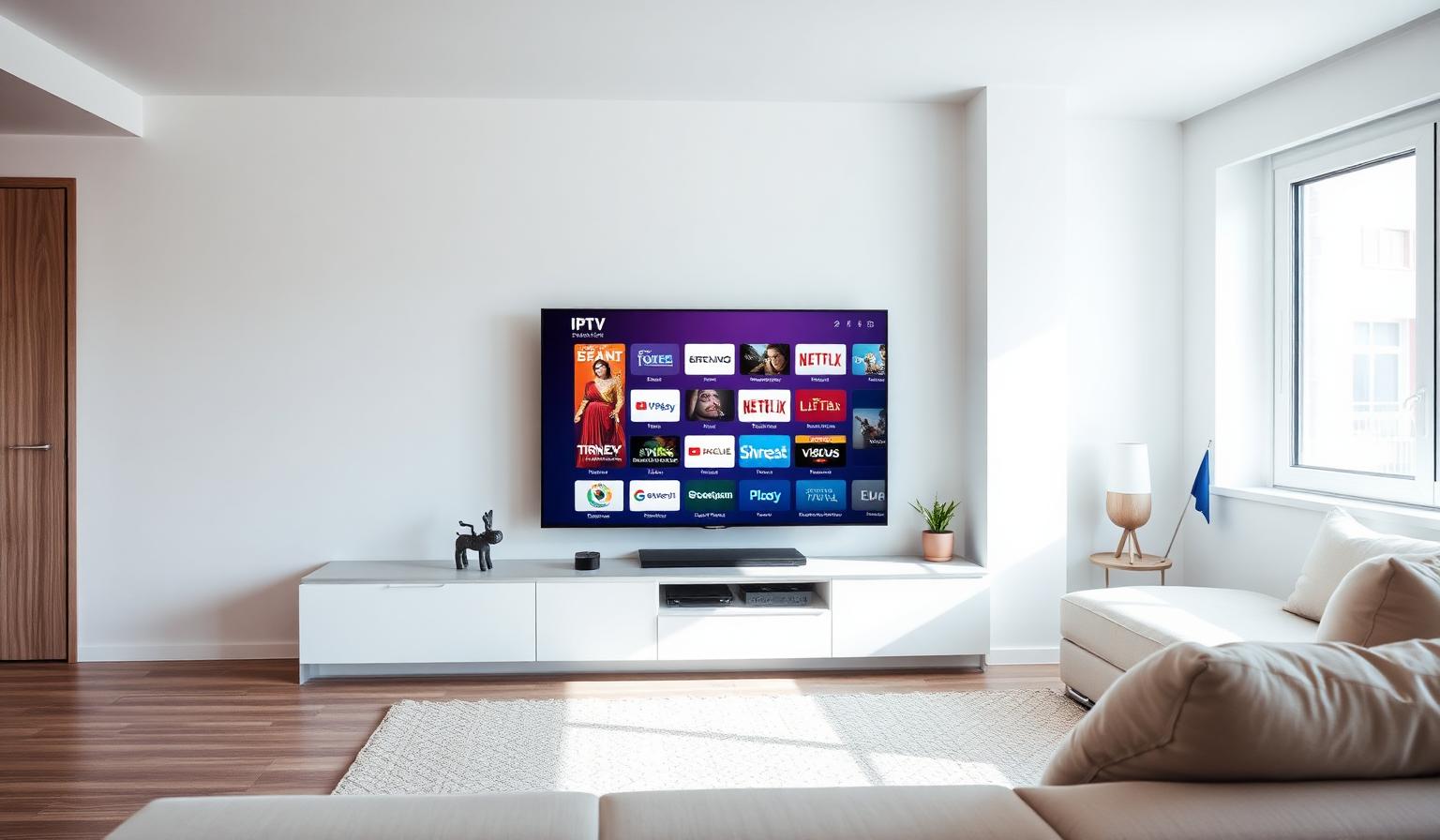
Apple devices are renowned for their premium build quality, intuitive interfaces and seamless ecosystem — and that excellence extends to IPTV streaming. Whether you are using an Apple TV 4K in your living room, an iPhone on your commute, or an iPad on the sofa, there are excellent IPTV apps designed specifically for Apple's platforms. In this guide, we explore the best IPTV apps for Apple devices in Europe in 2026, compare their features, walk you through installation, and share expert tips for smooth, high-quality streaming across the continent.
Why Apple Devices Are Great for IPTV in Europe
Apple TV 4K, iPhone and iPad offer a polished, secure and user-friendly environment for IPTV streaming. European viewers appreciate Apple devices for:
- Native apps on the App Store — no sideloading or complex workarounds needed
- Powerful A-series and M-series chips that handle 4K HDR and HEVC streams smoothly
- Seamless Handoff between Apple TV, iPhone, iPad and Mac
- AirPlay support for casting IPTV streams to any AirPlay-compatible display
- Regular iOS and tvOS updates that keep apps secure and compatible
- Universal search and Siri integration for finding live channels quickly
Top IPTV Apps for Apple TV and iOS in Europe
1. GSE Smart IPTV
GSE Smart IPTV is one of the most popular and feature-rich IPTV apps available on the Apple App Store and tvOS App Store. It supports M3U, M3U8 and JSON playlists, Xtream Codes API, local file playback, EPG integration, parental controls and Chromecast / AirPlay casting. Its clean interface and broad format support make it a favorite among European Apple users.
- Supports M3U, M3U8, JSON and Xtream Codes playlists
- Built-in EPG with grid and timeline views
- Parental controls and password protection
- Chromecast and AirPlay casting support
- Available natively on iPhone, iPad, Apple TV and Mac
2. IPTV Smarters Pro
IPTV Smarters Pro brings its famous multi-screen layout and broad compatibility to Apple's ecosystem. It supports live TV, movies, series, catch-up TV and EPG. The tvOS version is optimized for Siri Remote navigation, while the iOS version offers touch-friendly controls and Picture-in-Picture support on iPad.
- Live TV, movies, series and catch-up sections
- Multi-screen layout for browsing while watching
- EPG support with recording reminders
- Master search across all content categories
- Native App Store availability for tvOS and iOS
3. iPlayTV
iPlayTV is a beautifully designed IPTV player built exclusively for Apple TV and iOS. It offers a premium interface with dark and light modes, smooth EPG scrolling, favorites management and automatic playlist synchronization via iCloud. European users love its Apple-native feel and zero-friction setup.
- Native Apple design language with dark and light themes
- iCloud playlist sync across Apple TV, iPhone and iPad
- Smooth EPG with mini-guide and full-screen views
- Favorites, recently watched and custom channel grouping
- Optimized for Siri Remote and touch navigation
4. CloudStream
CloudStream is a lightweight, cloud-synced IPTV player that works across all Apple devices. It stores your playlists in the cloud, so you never lose your configuration. It supports M3U and Xtream Codes, offers a simple grid interface, and is particularly popular among European travelers who switch between Apple TV at home and iPhone on the go.
- Cloud-synced playlists across all devices
- Simple, fast grid-based channel browser
- M3U and Xtream Codes compatibility
- Lightweight app with minimal battery impact on iOS
- Great for users who travel frequently within Europe
5. Flex IPTV
Flex IPTV rounds out our list with a focus on customization and multi-playlist management. It allows you to load multiple IPTV subscriptions, merge them into a single guide, and apply custom logos and EPG sources. It is a solid choice for European households that subscribe to more than one IPTV service.
- Multi-playlist support with merged channel guide
- Custom logos, EPG sources and channel ordering
- Favorites and parental control options
- Works on Apple TV, iPhone and iPad
- Regular updates with new codec and format support
Step-by-Step: How to Install IPTV Apps on Apple TV
Step 1 — Open the App Store on Apple TV
- From the Apple TV home screen, open the App Store.
- Use the search function (Siri Remote or on-screen keyboard) to find your chosen app — e.g., "GSE Smart IPTV", "IPTV Smarters Pro" or "iPlayTV".
- Select the app and click Get or Install. Enter your Apple ID password if prompted.
Step 2 — Launch and Add Your Playlist
- Open the installed IPTV app from the Apple TV home screen.
- Select Add Playlist, Add User or Load M3U.
- Choose your playlist type: M3U URL or Xtream Codes API.
- For M3U: paste or type the M3U URL provided by your IPTV provider.
- For Xtream Codes: enter the server URL, username and password from your provider.
- Name your playlist (e.g., "Home IPTV") and wait for channels and EPG to load.
Step 3 — Organize and Optimize
- Create channel groups for Sports, News, Movies, Kids and International channels
- Mark favorite channels for quick access from the home screen widget
- Adjust EPG timezone to your local European time (CET, GMT, EET, etc.)
- Enable subtitles and audio track selection if your provider supports them
- Enable iCloud sync (if available) to keep playlists consistent across devices
Pros and Cons of Using IPTV on Apple Devices
Pros
- • Native App Store apps — no sideloading required
- • Premium hardware with powerful 4K HDR playback
- • Seamless ecosystem sync between Apple TV, iPhone and iPad
- • Siri voice search and universal content discovery
- • Regular security and compatibility updates
- • AirPlay for casting to any compatible screen
Cons
- • Higher device cost compared to Firestick or Android TV boxes
- • Some advanced IPTV players (e.g., TiviMate) are not on tvOS
- • Apple TV storage is not expandable
- • Strict App Store policies can limit niche IPTV apps
- • Siri Remote learning curve for some users
Best Practices for Streaming IPTV on Apple Devices in Europe
- Use Ethernet on Apple TV: The Apple TV supports Ethernet via a USB-C or Thunderbolt adapter. Wired connections deliver the most stable 4K streams, especially during peak European viewing hours.
- Optimize DNS settings: Set your router or Apple TV DNS to Cloudflare (1.1.1.1) or Google (8.8.8.8) for faster resolution of European IPTV servers.
- Keep tvOS and apps updated: Apple regularly releases tvOS updates that improve video codec support, fix bugs and enhance security. Enable automatic updates for a hassle-free experience.
- Use iCloud sync where available: Apps like iPlayTV sync playlists via iCloud, so your setup transfers instantly between Apple TV at home and iPhone on the train.
- Choose a reliable European provider: Your streaming quality depends on your IPTV provider's server network. For advice on selecting a provider, see our IPTV provider selection guide.
Image Suggestions for Your Setup
If you are documenting or blogging about Apple IPTV setups, consider these visuals:
- Image 1 — Apple TV 4K with IPTV app on a European living room TV: ALT text: "Apple TV 4K connected to a large flatscreen TV in a modern European living room, displaying an IPTV app with live sports and news channels"
- Image 2 — iPhone and iPad showing IPTV apps side by side: ALT text: "iPhone and iPad on a wooden table both showing IPTV streaming apps with European TV channel guides, demonstrating multi-device Apple ecosystem streaming"
- Image 3 — Ethernet adapter connected to Apple TV for stable IPTV: ALT text: "Apple TV 4K with a USB-C Ethernet adapter connected for wired internet, improving IPTV streaming stability in a European home setup"
Conclusion
Apple devices offer one of the smoothest and most secure ways to enjoy IPTV in Europe. With native apps like GSE Smart IPTV, IPTV Smarters Pro, iPlayTV, CloudStream and Flex IPTV, you can transform your Apple TV, iPhone or iPad into a world-class live TV and VOD center. Install your chosen app from the App Store, load your playlist, optimize your network settings, and pair it with a reputable IPTV provider — and you will enjoy a premium streaming experience that matches Apple's legendary quality standards.
Ready to stream on your Apple device? Browse our subscription plans and get instant access to live TV, sports and movies across Europe — optimized for Apple TV, iPhone and iPad.
Ready to start streaming?
Explore our subscription plans and get instant access to live TV, sports and a huge VOD library on any device.
View IPTV PlansFrequently Asked Questions
More from the blog
Complete guide to high quality streaming with VOD — best devices, internet speed needs, setup steps, pros & cons, and expert tips for the ultimate on-demand experience.
Complete guide to premium 4K streaming for IPTV — best devices, internet speed needs, HDR setup, pros & cons, and expert tips for stunning Ultra HD quality.