IPTV Provider: How to Choose the Best One in 2026
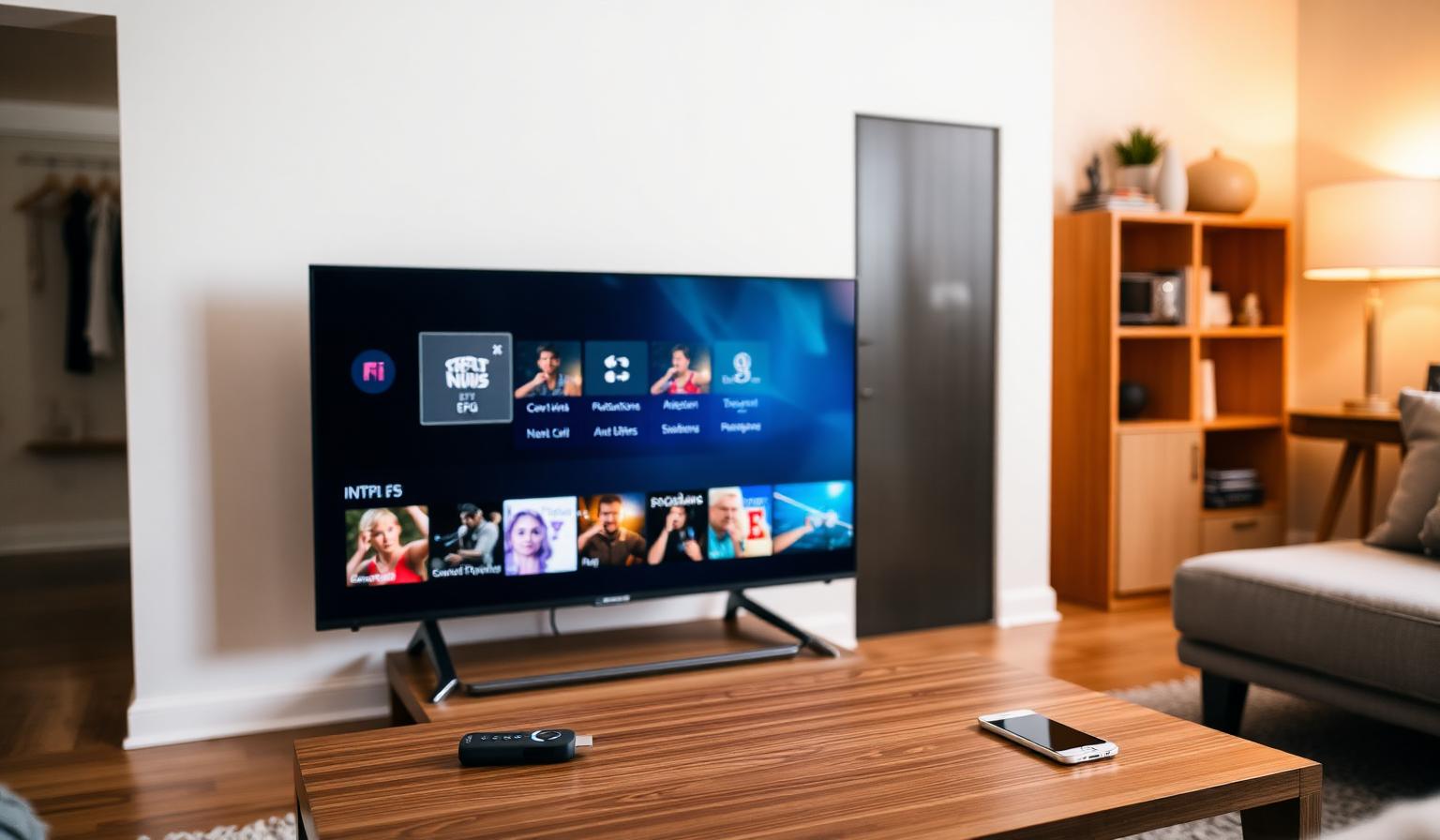
Choosing the right IPTV provider in 2026 can completely change the way you watch TV at home. Instead of being locked into a single cable contract, a good provider gives you thousands of live channels, on-demand movies and series, multi-device support and crisp HD or 4K streams — all over your regular internet connection. But not every service is the same. In this guide you'll learn what an IPTV provider really is, how to compare options, what to look for in features and support, the step-by-step way to set one up on your favorite device, and the pros, cons and best practices that help you avoid common mistakes. Let's make your next streaming setup a smooth one.
What Is an IPTV Provider?
An IPTV (Internet Protocol Television) provider is a service that streams live TV channels and on-demand content to your devices over the internet. Instead of using a satellite dish or coaxial cable, the signal travels through your home Wi-Fi or Ethernet connection. You sign in with credentials, an M3U URL or an Xtream Codes API, and a compatible app turns those links into a familiar channel grid with EPG, categories and favorites.
Why People Switch to an IPTV Provider
- One subscription replaces several streaming apps and add-ons
- Access to international channels you can't get on local TV
- Live sports, news, kids and entertainment all in one place
- Works on Smart TV, Firestick, Android, MAG, phone and PC
- HD, Full HD and 4K UHD streams with EPG and catch-up
- Flexible monthly, quarterly and yearly plans
What to Look for in a Good IPTV Provider
1. Stable Servers and Uptime
The backbone of any IPTV service is its server network. Look for a provider with multiple data centers, low buffering during prime time and a reputation for staying online during big sports events.
2. Channel List and EPG
A strong provider offers a wide, well-organized channel list with sports, news, movies, kids and international categories — plus an updated Electronic Program Guide (EPG) so you can plan what to watch.
3. Picture Quality
Top-tier services deliver HD, Full HD and 4K UHD streams when your internet allows. Ask whether main channels and live sports are available in higher resolutions.
4. Device and App Compatibility
A reliable provider works with all popular setups — Samsung and LG Smart TVs, Firestick, Android TV boxes, MAG boxes, iOS and Android. Compatibility with apps like TiviMate, IPTV Smarters Pro and OTT Navigator is a strong sign of quality.
5. Customer Support
Fast, friendly support over WhatsApp, email or live chat is a must. You want a real person to answer when something needs to be re-checked or activated.
For a deeper look at apps and devices, see our guides on the best IPTV apps in 2026 and the top IPTV players for Smart TVs.
Step-by-Step: How to Set Up Your IPTV Provider
1. Subscribe and Receive Your Credentials
After choosing a plan, you'll get an email with your login details — usually an M3U URL or Xtream Codes (host, username, password). Save this email; you'll use it on every device.
2. Install a Compatible Player
- Smart TV (Samsung/LG): install Smart IPTV or IPTV Smarters Pro from the store
- Firestick / Android TV: install TiviMate or IPTV Smarters Pro
- iPhone / iPad: install IPTV Smarters Pro or GSE Smart IPTV
- MAG box: use the built-in Stalker portal — no app needed
3. Add Your Playlist
- Open the player and choose "Add playlist".
- Select M3U URL or Xtream Codes login.
- Paste the credentials from your welcome email.
- Save and let the channel list load.
4. Customize Your Experience
- Mark favorite channels for quick access
- Hide categories you don't watch
- Enable EPG for a real TV-guide feel
- Set the default video player to the most stable option for your device
Pros and Cons of Using an IPTV Provider
Pros
- • Thousands of live channels in one place
- • Works on Smart TV, Firestick, MAG, Android, iOS
- • HD, Full HD and 4K UHD options
- • Built-in EPG and VOD library
- • Flexible plans and easy multi-device use
- • Often more affordable than stacking many apps
Cons
- • Requires a stable internet connection
- • Quality varies a lot between providers
- • Setup can feel technical the first time
- • 4K streams need higher bandwidth
Best Practices for a Smooth Experience
- Use Ethernet whenever possible, especially for 4K and live sports.
- Always start with a free trial before committing to a long plan.
- Keep your IPTV app and device firmware updated.
- Restart your router and streaming device once a week.
- Save your M3U/Xtream credentials in a secure note for quick re-setup.
If you ever notice freezing during prime time, our no-buffering IPTV guide walks through every fix step by step.
Tips for First-Time Subscribers
- Test the categories you actually watch (sports, news, kids, international).
- Check picture quality on your largest screen first.
- Confirm catch-up and EPG work on your favorite channels.
- Ask support how many devices you can use at the same time.
Conclusion
A great IPTV provider blends stable servers, a wide channel list, sharp picture quality, broad device support and friendly help when you need it. Take your time, use the free trial, and pick the service that feels right for the way your household actually watches TV. With the right provider in place, switching on your Smart TV or Firestick becomes the easiest part of your evening.
Curious which plan suits you? Take a look at our subscription plans — clear options, simple pricing and support whenever you need it.
Ready to start streaming?
Explore our subscription plans and get instant access to live TV, sports and a huge VOD library on any device.
View IPTV PlansFrequently Asked Questions
More from the blog
Complete guide to high quality streaming with VOD — best devices, internet speed needs, setup steps, pros & cons, and expert tips for the ultimate on-demand experience.
Complete guide to premium 4K streaming for IPTV — best devices, internet speed needs, HDR setup, pros & cons, and expert tips for stunning Ultra HD quality.