IPTV Big Four Sports Guide: Watch NFL, NBA, MLB & NHL (2026)
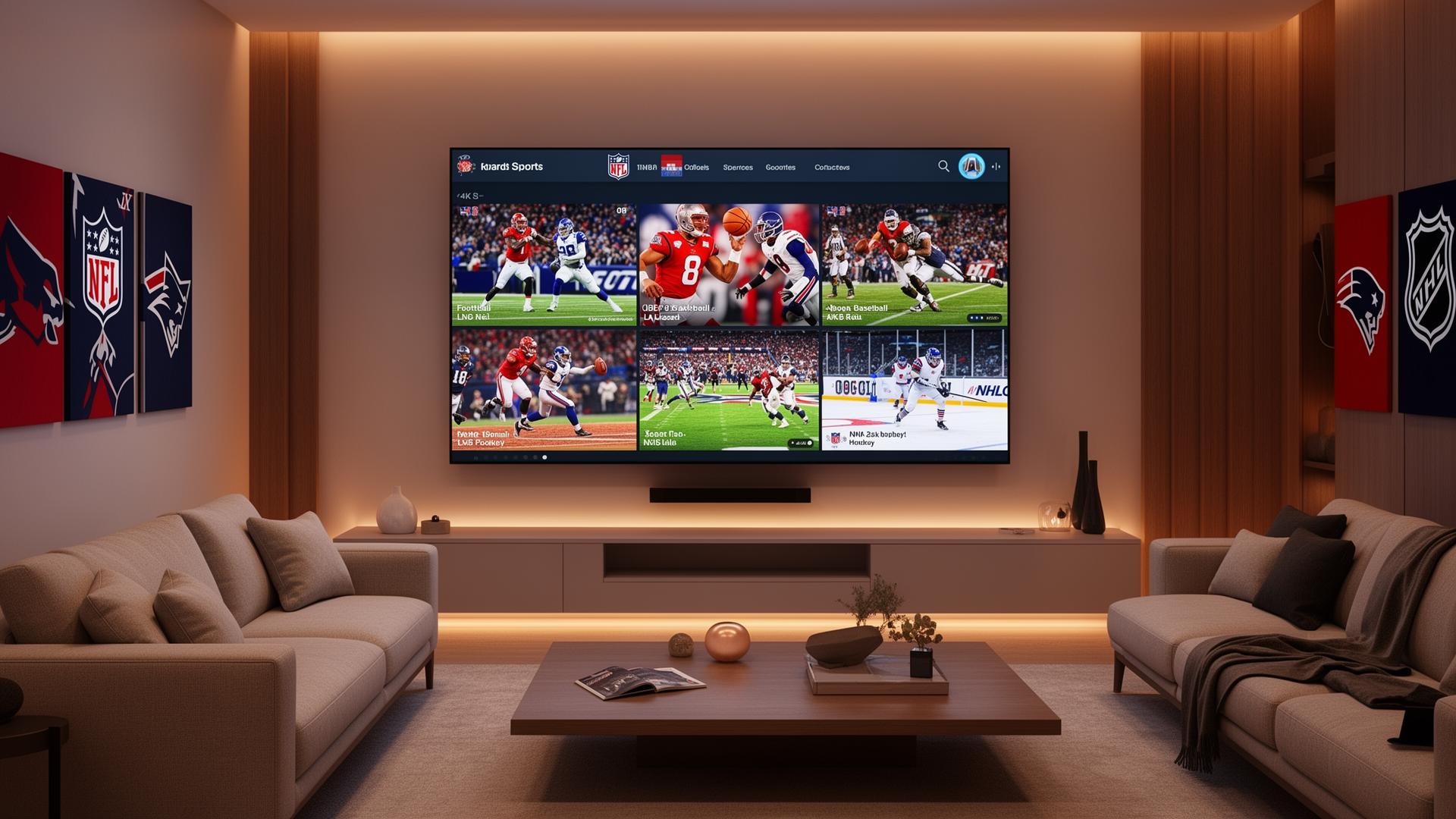
North America's Big Four sports leagues — the NFL, NBA, MLB and NHL — deliver more than 5,000 live games every single season. For cord-cutters and streaming enthusiasts, IPTV has become the ultimate solution to watch every touchdown, buzzer-beater, home run and hat trick without a traditional cable contract. In this guide, you'll learn exactly how to stream all four leagues with IPTV, which channels carry the action, the best devices for sports viewing, step-by-step setup instructions, and tips for a buffer-free game-day experience.
What Are the Big Four Sports Leagues?
The "Big Four" refers to the four major professional sports leagues in the United States and Canada. They command the largest audiences, the richest broadcast deals, and the deepest fan loyalty in North American sports culture.
- NFL (National Football League) — 18-week regular season plus playoffs culminating in the Super Bowl. Broadcast on CBS, Fox, NBC, ESPN, NFL Network.
- NBA (National Basketball Association) — 82-game regular season, intense playoffs and the NBA Finals. Broadcast on ESPN, TNT, ABC, NBA TV.
- MLB (Major League Baseball) — 162-game marathon regular season and the World Series. Broadcast on ESPN, Fox, TBS, MLB Network, regional sports networks.
- NHL (National Hockey League) — 82-game season, Stanley Cup Playoffs and Final. Broadcast on ESPN, TNT, NHL Network, regional sports networks.
Key Channels for Big Four Sports on IPTV
A quality IPTV subscription carries the full range of channels needed to follow every league. Here are the essential networks to look for:
National Broadcast Networks
- ESPN / ESPN2 — Monday Night Football, NBA regular season and playoffs, MLB, NHL
- TNT — NBA regular season and playoffs, NHL regular season and Stanley Cup Playoffs
- ABC — NFL Monday Night Football, NBA Finals, MLB playoffs, NHL
- Fox / FS1 — NFL Sunday afternoon games, MLB regular season and World Series
- CBS — NFL Sunday afternoon games, NCAA football and basketball
- NBC — NFL Sunday Night Football, NHL regular season
League-Specific Channels
- NFL Network / NFL RedZone — Thursday Night Football, live game replays, RedZone whip-around coverage
- NBA TV — Nightly live games, classic matchups, original programming
- MLB Network — Daily live games, analysis, classic broadcasts
- NHL Network — Live games, NHL Tonight analysis, classic Stanley Cup moments
Regional Sports Networks (RSNs)
Regional sports networks like YES Network, NESN, Bally Sports, SportsNet and Altitude carry local team broadcasts. A good IPTV provider includes major RSNs, which is crucial for fans who follow their hometown team from another city.
Step-by-Step: Watch Big Four Sports with IPTV
Step 1 — Pick a Sports-Ready IPTV Provider
Look for a provider that explicitly lists ESPN, Fox, NBC, NFL Network, NBA TV, MLB Network and NHL Network in their channel lineup. Regional sports networks are a major bonus. FastIPTVPlus offers all major sports channels in HD and 4K.
Step 2 — Choose the Right Streaming Device
For the best sports experience, pick a device with strong processing power and Ethernet support:
- Amazon Fire TV Stick 4K Max — Fast, affordable, excellent for IPTV apps
- Android TV / Google TV box (Chromecast with Google TV, Nvidia Shield) — Smooth navigation, app variety
- Apple TV 4K — Premium performance, best for Apple-centric households
- Samsung Tizen / LG webOS Smart TVs — Direct IPTV app installation, no extra hardware
Step 3 — Install Your IPTV App
Download an IPTV player from the official store. TiviMate and IPTV Smarters Pro are the top choices for sports fans — both support multi-screen views, favorites, EPG and fast channel switching. Add your playlist via M3U URL or Xtream Codes credentials.
Step 4 — Organize Sports Channels
Group your sports channels into categories: NFL, NBA, MLB, NHL, College Sports and Pay-Per-View. Pin your most-watched networks to favorites so you never miss tip-off or kickoff.
Step 5 — Optimize for Game Day
- Switch your TV to Sports or Game picture mode for reduced motion blur
- Enable Motion Smoothing (some prefer it off for sports — test both)
- Use a wired Ethernet connection for the most stable stream
- Close background apps on your streaming device to free up RAM
- Restart your router at least once a week
Season Calendar: What to Watch and When
- Preseason: August
- Regular Season: September – January
- Playoffs: January
- Super Bowl: Early February
- Key Channels: CBS, Fox, NBC, ESPN, NFL Network
- Preseason: October
- Regular Season: October – April
- Playoffs: April – June
- NBA Finals: June
- Key Channels: ESPN, TNT, ABC, NBA TV
- Spring Training: February – March
- Regular Season: March – October
- Postseason: October – November
- World Series: Late October – Early November
- Key Channels: ESPN, Fox, TBS, MLB Network
- Preseason: September
- Regular Season: October – April
- Stanley Cup Playoffs: April – June
- Stanley Cup Final: June
- Key Channels: ESPN, TNT, NHL Network
Pros and Cons of Watching Big Four Sports via IPTV
- • One subscription covers all four leagues plus international sports
- • Watch on Smart TV, Firestick, phone, tablet and laptop
- • Access out-of-market games via national and RSN channels
- • HD and 4K UHD support with surround sound
- • No long-term cable contracts or equipment rental fees
- • Built-in EPG shows game times, channels and live scores
- • Multi-view options on some IPTV apps
- • Requires stable internet (25+ Mbps for HD, 50+ for 4K)
- • Local blackout rules may still apply on some channels
- • Some niche RSNs may not be included in every package
- • Setup requires a one-time configuration of your playlist
- • Quality varies by provider — research before subscribing
Tips for the Best Sports Streaming Experience
- Use Ethernet — A wired connection eliminates Wi-Fi congestion during peak game hours
- Pick a low-latency server — Choose an IPTV server region close to your location for faster channel loading
- Enable hardware decoding — In your IPTV app settings, turn on hardware acceleration for smoother playback
- Create a game-day profile — Set your TV to Sports mode, dim ambient lights and close curtains to reduce glare
- Track schedules with EPG — Use the built-in TV guide to set reminders for must-watch games
- Have a backup stream — Premium providers offer backup URLs for major events
- Update firmware regularly — Keep your Smart TV, streaming stick and IPTV app up to date
Best IPTV Apps for Sports Fans
Sports viewers need fast channel switching, clean EPG and reliable playback. These apps deliver:
- TiviMate — Best on Android TV and Firestick. Polished grid, fast EPG, recording support (Premium)
- IPTV Smarters Pro — Universal choice. Multi-screen, VOD, series and live TV in one interface
- OTT Navigator — Power user pick with archive playback and deep customization
- Smart IPTV — Simple and reliable on Samsung and LG Smart TVs
Read our best IPTV apps guide for a detailed comparison.
Conclusion
IPTV is the most flexible, affordable way to watch the Big Four sports leagues in 2026. With the right provider, you get every NFL Sunday, NBA doubleheader, MLB pennant race and NHL playoff game — all in HD or 4K, on every screen you own. Pick a sports-ready device, install a reliable IPTV app, organize your channels by league and enjoy a front-row seat to North America's greatest sporting events without the cable bill.
Ready to stream every game? Explore FastIPTVPlus plans built for sports fans — with all the Big Four channels, regional sports networks and 4K UHD support you need.
Ready to start streaming?
Explore our subscription plans and get instant access to live TV, sports and a huge VOD library on any device.
View IPTV PlansFrequently Asked Questions
More from the blog
Complete guide to high quality streaming with VOD — best devices, internet speed needs, setup steps, pros & cons, and expert tips for the ultimate on-demand experience.
Complete guide to premium 4K streaming for IPTV — best devices, internet speed needs, HDR setup, pros & cons, and expert tips for stunning Ultra HD quality.