Best Smart TVs for IPTV Streaming in 2026
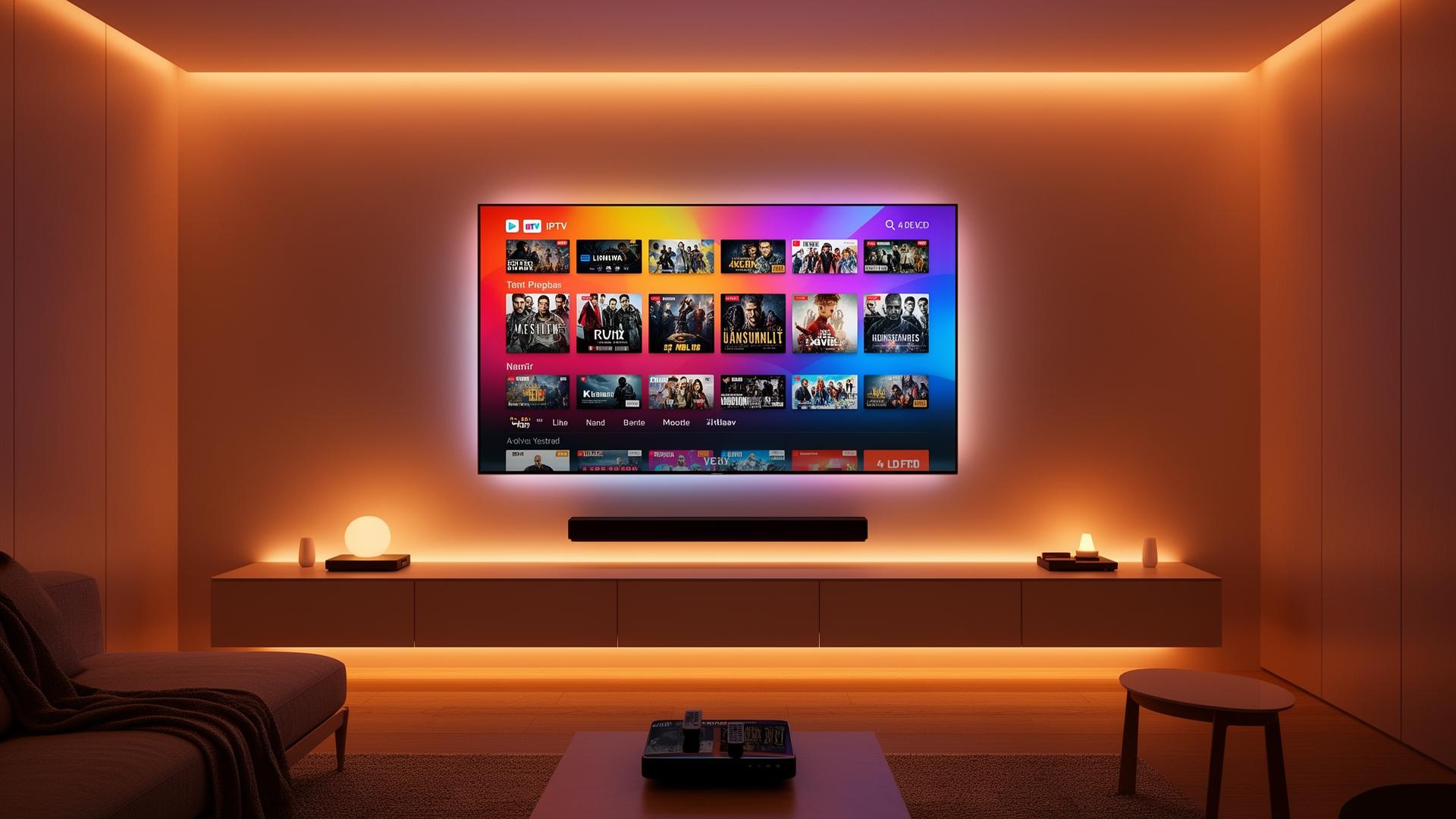
Best Smart TVs for IPTV Streaming in 2026
Choosing the right Smart TV for IPTV streaming can transform your living room into a world-class entertainment hub. In 2026, Smart TVs are more powerful, connected, and app-friendly than ever before — but not all models deliver the same IPTV experience. The best Smart TVs for IPTV streaming combine a robust app ecosystem, powerful processors for smooth playback, stunning 4K HDR panels, and reliable network connectivity. This guide walks you through what to look for, our top recommendations across every budget, and how to get the most from your IPTV subscription on a big screen. Whether you want a premium OLED for movie nights or a budget-friendly 4K set for casual viewing, we have you covered.
What to Look for in a Smart TV for IPTV
Before diving into specific models, here are the key features that make a Smart TV great for IPTV streaming.
- App ecosystem — Native support for IPTV apps like Smart IPTV, IPTV Smarters Pro, and TiviMate matters. Samsung Tizen and LG webOS have the best native IPTV app stores.
- Processing power — A fast CPU ensures smooth channel switching, quick app launches, and responsive EPG navigation.
- Display quality — 4K resolution and HDR support (HDR10, Dolby Vision) deliver crisp, vibrant streams.
- Connectivity — Gigabit Ethernet is ideal; Wi-Fi 6 or Wi-Fi 6E reduces wireless congestion in busy homes.
- HDMI ports — At least 3–4 HDMI inputs let you add external streaming devices if needed.
- Audio output — HDMI eARC or optical out is useful for connecting soundbars or home theater systems.
Top Smart TVs for IPTV Streaming in 2026
Samsung S90D OLED (Best Overall)
The Samsung S90D combines a gorgeous OLED panel with the polished Tizen OS, making it our top pick for IPTV enthusiasts. Tizen supports Smart IPTV, Set IPTV, and IPTV Smarters Lite natively. The Neural Quantum Processor 4K upscales lower-resolution streams beautifully, and the OLED display delivers perfect blacks and infinite contrast. With four HDMI 2.1 ports and Wi-Fi 6E, connectivity is rock solid.
Pros
- Stunning OLED picture quality with perfect blacks.
- Tizen OS has the widest native IPTV app selection.
- Excellent upscaling for SD and HD channels.
- Low input lag for gaming alongside IPTV.
Cons
- Premium price point.
- No Dolby Vision support (uses HDR10+ instead).
- OLED panels can be prone to burn-in with static UI elements.
LG C4 OLED (Best Picture Quality)
The LG C4 OLED is a cinematic powerhouse. Its webOS platform runs Smart IPTV, Set IPTV, and OTT Player flawlessly. The α9 Gen 7 AI Processor optimizes picture quality in real time, and support for both Dolby Vision and HDR10+ means your HDR IPTV streams look incredible. The ultra-thin design and superior sound integration make it a standout for home theater setups.
Pros
- Outstanding color accuracy and Dolby Vision support.
- webOS is intuitive with excellent IPTV app compatibility.
- 4K 120Hz for sports and gaming.
- Superior audio with AI Sound Pro.
Cons
- Higher price than most LED alternatives.
- Burn-in risk with static channel logos.
- Remote can feel cluttered with shortcuts.
Sony Bravia XR A80L (Best for Google TV & Android IPTV Apps)
Sony's Bravia XR A80L runs Google TV, giving you access to the entire Google Play Store — including TiviMate, OTT Navigator, and IPTV Smarters Pro. The Cognitive Processor XR enhances clarity and contrast, and the Acoustic Surface Audio+ turns the screen itself into a speaker. It is an ideal choice if you want flexibility to install virtually any Android IPTV app.
Pros
- Full Google Play Store for unlimited app options.
- Exceptional motion handling for live sports.
- Dolby Vision and Atmos support.
- Brilliant upscaling of lower-resolution IPTV feeds.
Cons
- Google TV interface can feel slower than Tizen or webOS.
- Fewer HDMI 2.1 ports than competitors.
- Higher cost for smaller screen sizes.
TCL QM8 Mini-LED (Best Value 4K)
The TCL QM8 delivers near-OLED contrast thanks to thousands of Mini-LED dimming zones, at a fraction of the price. Running Google TV, it supports all major IPTV apps and offers exceptional brightness for daytime viewing. If you want a big, bright 4K screen without breaking the bank, the QM8 is hard to beat.
Pros
- Outstanding brightness — ideal for bright rooms.
- Mini-LED delivers excellent contrast at a lower price.
- Google TV with full app store access.
- 120Hz refresh rate for smooth sports.
Cons
- Blooming can occur around bright objects on dark backgrounds.
- Sound quality is average — a soundbar is recommended.
- Build quality is less premium than OLED rivals.
Hisense U8N Mini-LED (Best Budget Pick)
The Hisense U8N is a budget champion that punches well above its weight. With a bright Mini-LED panel, Google TV, and support for Dolby Vision and HDR10+, it handles IPTV streaming with ease. It is perfect for users who want a large 4K screen for IPTV without paying flagship prices.
Pros
- Excellent value for the price.
- Very bright screen for the money.
- Google TV with easy IPTV app installation.
- Low input lag for casual gaming.
Cons
- Upscaling is not as refined as Samsung or Sony.
- Viewing angles are narrower than OLED.
- Motion handling is decent but not class-leading.
Smart TV Operating Systems Compared for IPTV
Samsung Tizen
- Smart IPTV, Set IPTV, IPTV Smarters Lite
- Fast, fluid interface
- Excellent native app selection
- No Google Play Store
LG webOS
- Smart IPTV, Set IPTV, OTT Player
- Intuitive Magic Remote
- Strong Dolby Vision support
- Limited to store-approved apps
Google TV / Android TV
- TiviMate, OTT Navigator, IPTV Smarters Pro
- Full Google Play Store access
- Best for power users
- Interface can feel slower
Step-by-Step: Getting IPTV Running on Your Smart TV
- Choose your IPTV app — Based on your TV's OS, pick a compatible app (Smart IPTV for Samsung/LG, TiviMate for Google TV).
- Install from the official app store — Never sideload on Samsung or LG; use their built-in stores.
- Connect to the internet — Use Ethernet if possible; otherwise connect to a 5 GHz Wi-Fi network.
- Enter your playlist credentials — Input your M3U URL or Xtream Codes (server, username, password).
- Load the EPG — Add your XMLTV guide URL for the full program schedule.
- Organize favorites — Save your most-watched channels for quick access.
For Samsung and LG specific instructions, see our detailed IPTV setup guide for Samsung & LG Smart TVs. If you are considering an external device instead, our Android TV install guide and Firestick beginner guide cover everything you need.
Tips and Best Practices for Smart TV IPTV Streaming
- Use Ethernet whenever possible — A wired connection eliminates Wi-Fi congestion and reduces buffering.
- Enable HDR — Make sure HDR is turned on in both your TV settings and IPTV app for the richest color.
- Update firmware regularly — TV manufacturers release codec and security updates that improve streaming stability.
- Adjust motion smoothing — For live sports, lower soap-opera-effect settings to keep action looking natural.
- Use a quality HDMI cable — If connecting an external box, use a certified Ultra High Speed HDMI 2.1 cable.
- Organize your channel list — Hide unused channels and create favorites groups for faster browsing.
Pros and Cons of Using a Smart TV for IPTV
Pros
- No extra boxes, cables, or remotes needed.
- Native 4K HDR and Dolby Atmos support.
- Clean, integrated experience with one remote.
- Fast boot times and instant app switching.
- Regular firmware updates from manufacturers.
Cons
- Samsung and LG have limited sideloading options.
- Built-in apps may lack features of Android alternatives.
- TV software updates can occasionally break app compatibility.
- Less flexibility than dedicated Android TV boxes.
Conclusion
The best Smart TV for IPTV streaming depends on your budget, viewing habits, and platform preference. For the ultimate experience, the Samsung S90D OLED and LG C4 OLED lead the pack with unmatched picture quality and native IPTV app ecosystems. If you prefer the freedom of Android apps, the Sony Bravia XR A80L is unbeatable. Budget-conscious buyers will find incredible value in the TCL QM8 and Hisense U8N, both of which deliver bright, colorful 4K performance at accessible prices.
No matter which TV you choose, pairing it with a stable internet connection, a quality IPTV subscription, and a few setup optimizations will give you a streaming experience that rivals — and often surpasses — traditional cable. Ready to upgrade your viewing experience? Explore our plans and start streaming in stunning 4K today.
Ready to start streaming?
Explore our subscription plans and get instant access to live TV, sports and a huge VOD library on any device.
View IPTV PlansFrequently Asked Questions
More from the blog
Complete guide to high quality streaming with VOD — best devices, internet speed needs, setup steps, pros & cons, and expert tips for the ultimate on-demand experience.
Complete guide to premium 4K streaming for IPTV — best devices, internet speed needs, HDR setup, pros & cons, and expert tips for stunning Ultra HD quality.