Android TV vs Firestick: Which Is Better for Streaming?
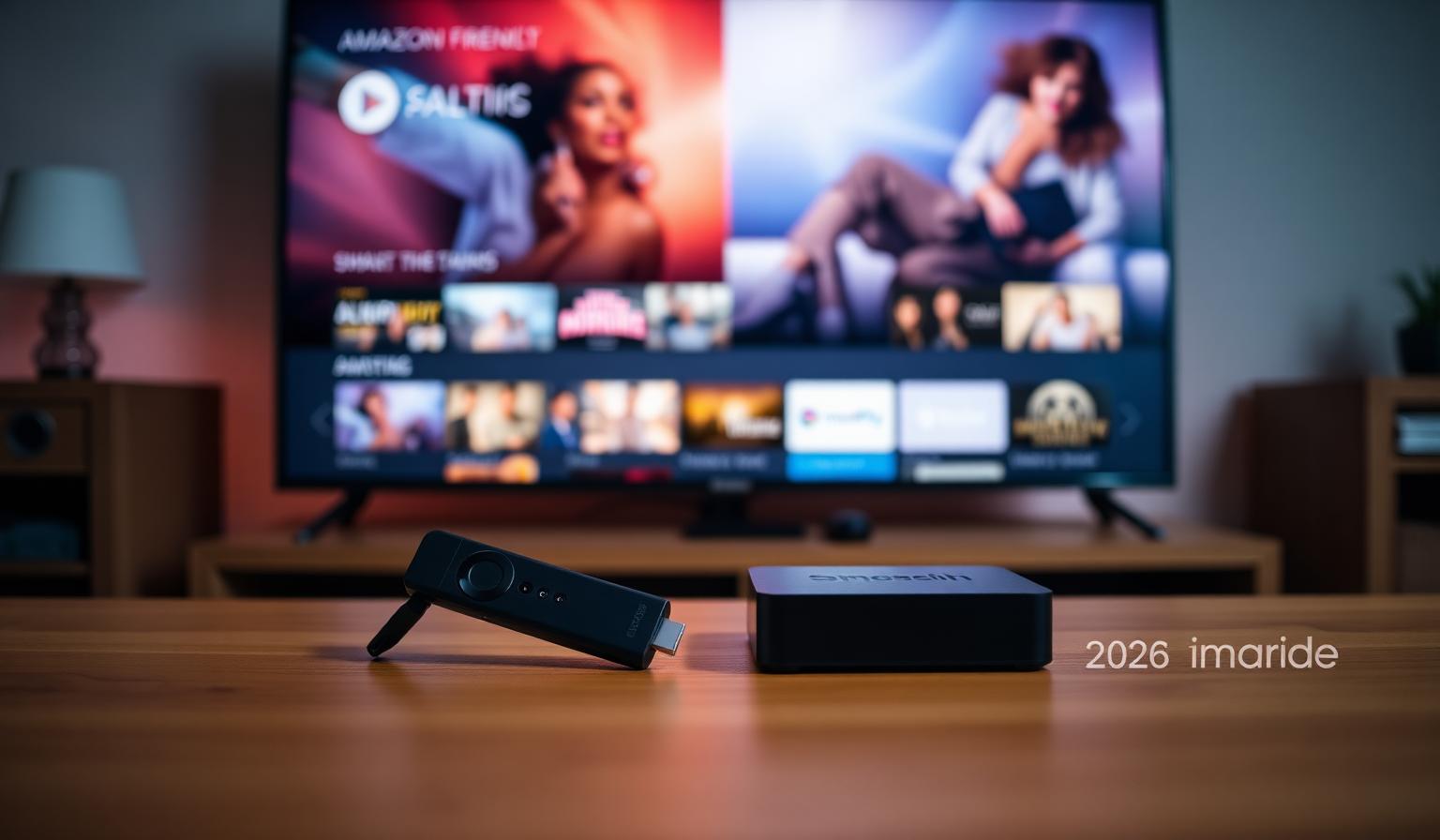
Android TV vs Firestick: Which Is Better for Streaming in 2026?
Choosing between Android TV and Amazon Firestick can feel surprisingly tricky. Both turn any TV into a fully featured streaming device, both run the same big-name apps, and both are competitively priced. Yet once you start digging into hardware, interface and long-term flexibility, they begin to feel like very different products. In this 2026 comparison, we break down how Android TV (including Google TV) and Firestick stack up across the things that actually matter for streaming: app support, remote and interface, performance, picture quality, and value. Whether you are setting up a new Smart TV, looking for the smoothest live TV experience, or just upgrading an older device, this guide will help you pick the platform that fits your viewing habits.
A Quick Look at the Two Platforms
Before getting into the head-to-head, it helps to understand what each platform actually is.
What Is Android TV (and Google TV)?
Android TV is Google's operating system for televisions and streaming boxes. Google TV is the newer interface that sits on top of Android TV, focused on personalized recommendations across services. You will find them on devices like Chromecast with Google TV, NVIDIA Shield TV, Xiaomi Mi Box, and many Sony, Hisense and TCL Smart TVs.
What Is Amazon Firestick?
Firestick (Fire TV Stick, Fire TV Cube, Fire TV Stick 4K Max) runs Amazon's Fire OS, which is built on Android but uses Amazon's own store and interface. It is one of the most popular streaming sticks worldwide thanks to its low price, simple setup and tight integration with Prime Video and Alexa.
Android TV vs Firestick: Side-by-Side Comparison
1. App Library
This is one of the biggest practical differences.
- Android TV / Google TV: Full Google Play Store access. Wider catalog, including most live TV players (TiviMate, IPTV Smarters Pro, OTT Navigator) and niche utilities.
- Firestick: Amazon Appstore. Covers all major streaming apps, but a smaller selection of secondary tools. Some Android-only apps require sideloading via the Downloader app.
2. Interface and Ease of Use
- Firestick: Cleaner, simpler home screen built around rows of recommendations. Great for beginners; can feel ad-heavy if you are not a Prime subscriber.
- Google TV: Smarter recommendations spanning all services, customizable rows, watchlist that syncs with your Google account.
3. Hardware and Performance
- Firestick: Mid-range hardware tuned for streaming. Fire TV Stick 4K Max handles 4K HDR comfortably.
- Android TV boxes: Range from budget (Chromecast with Google TV) to enthusiast-grade (NVIDIA Shield TV Pro). The Shield in particular offers the best long-term performance, AI upscaling and Dolby Vision/Atmos handling.
4. Voice Assistants
- Firestick: Alexa — strong for smart home control.
- Android TV / Google TV: Google Assistant — better at search and answering questions.
5. Casting and Multi-Device Use
- Android TV: Built-in Chromecast support. Cast from any phone or laptop in seconds.
- Firestick: Supports AirPlay (on newer models) and Miracast, but casting is less seamless than Chromecast.
6. Price
- Firestick: Starts around $30–$60 — usually the most affordable entry point.
- Android TV: Chromecast with Google TV is $30–$50; high-end Shield TV is $150+.
Step-by-Step: How to Pick the Right Device for You
- Define your budget. Under $50? Firestick or Chromecast with Google TV. Over $100? Look at NVIDIA Shield.
- Check your ecosystem. Heavy Amazon/Alexa user → Firestick. Heavy Google/Android user → Android TV.
- List the must-have apps. Make sure they are on the platform you are considering.
- Decide on resolution. 4K HDR? Pick a 4K-capable model on either side.
- Plan for the long term. If you want to install a wide variety of apps over time, Android TV is more flexible.
Need help installing your apps once you choose? Our Firestick beginner setup guide and Android TV install guide walk through the first-time configuration step by step.
Pros and Cons
Firestick — Pros
- Affordable across the entire lineup.
- Very easy first-time setup.
- Strong Alexa and Prime Video integration.
- Wide retail availability worldwide.
Firestick — Cons
- Smaller app store than Google Play.
- Interface heavily promotes Amazon content.
- Some apps require sideloading.
Android TV — Pros
- Full Google Play Store access.
- Built-in Chromecast for easy casting.
- Better high-end hardware options (Shield TV).
- More flexible and customizable.
Android TV — Cons
- Steeper learning curve for beginners.
- Premium boxes cost noticeably more.
- Interface quality varies by manufacturer.
Tips and Best Practices
- Use Ethernet whenever possible. Both platforms benefit massively from a wired connection for live TV and 4K streams.
- Switch DNS to 1.1.1.1 or 8.8.8.8 for faster app loading and fewer playlist errors.
- Keep apps updated. Streaming apps push frequent fixes for codecs and EPG sources.
- Use a USB hub on Firestick if you need extra storage or Ethernet on smaller models.
- Pair a Bluetooth keyboard or air mouse for faster setup and better navigation in any sideloaded app.
If you are still narrowing down which apps to install once your device arrives, our best IPTV apps roundup compares the most popular live TV players on both platforms.
Which One Should You Choose?
- Best for beginners or budget setups: Fire TV Stick 4K Max.
- Best for Google ecosystem users: Chromecast with Google TV 4K.
- Best for enthusiasts and home theaters: NVIDIA Shield TV Pro (Android TV).
- Best all-rounder: Either platform works — pick the ecosystem you already live in.
Conclusion
In 2026 there is no single winner in the Android TV vs Firestick debate. Firestick wins on price, simplicity and Amazon integration. Android TV wins on flexibility, app variety and high-end performance. Both deliver excellent 4K HDR streaming on modern apps, both support the major live TV players, and both can transform a basic TV into a fully featured streaming hub. Pick the device that matches your ecosystem, your budget and how much customization you want — and you will end up with a great streaming setup either way.
Ready to start streaming?
Explore our subscription plans and get instant access to live TV, sports and a huge VOD library on any device.
View IPTV PlansFrequently Asked Questions
More from the blog
Complete guide to high quality streaming with VOD — best devices, internet speed needs, setup steps, pros & cons, and expert tips for the ultimate on-demand experience.
Complete guide to premium 4K streaming for IPTV — best devices, internet speed needs, HDR setup, pros & cons, and expert tips for stunning Ultra HD quality.