Firestick vs Android Box: Which Should You Pick? (2026)
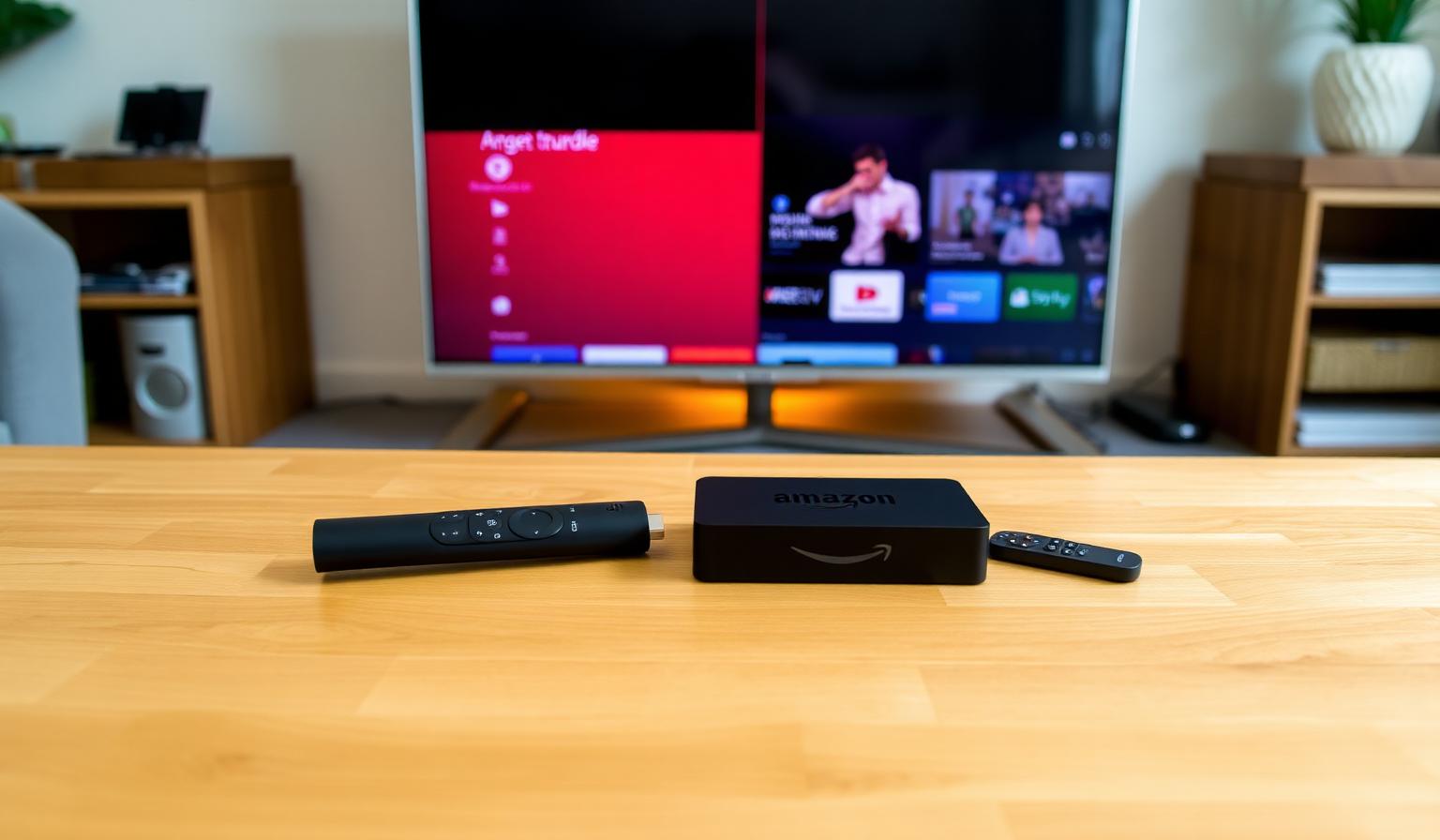
Choosing between an Amazon Firestick and an Android TV box is one of the most common questions for anyone building a modern streaming setup. Both turn any TV into a smart entertainment hub, both support thousands of streaming apps, and both work beautifully with IPTV players for global live TV. But under the hood, they take different approaches — the Firestick is simple, affordable and tightly integrated with Amazon, while Android TV boxes offer more flexibility, more ports and access to the full Google Play Store. In this Firestick vs Android box comparison, you'll discover the key differences, the pros and cons of each, and which one is the best fit for your living room in 2026.
Firestick vs Android Box: Quick Overview
Both devices stream HD and 4K HDR content, support major streaming apps, and work with IPTV players. The Firestick (especially the 4K Max) is the easiest plug-and-play option. An Android TV box — from a Mi Box S to an Nvidia Shield Pro — is more open, more powerful at the high end, and friendlier for advanced setups.
What Is an Amazon Firestick?
The Amazon Firestick is a small HDMI streaming device running Fire TV OS, a customized version of Android with Amazon's interface on top. The lineup includes the Fire TV Stick, Fire TV Stick 4K and Fire TV Stick 4K Max, plus the Fire TV Cube. All of them install apps from the Amazon Appstore and integrate tightly with Alexa.
What Is an Android TV Box?
An Android TV box is a small set-top box running stock Android TV or Google TV. Popular options include the Nvidia Shield TV Pro, Chromecast with Google TV, Xiaomi Mi Box S, Onn 4K Pro and various boxes from brands like Dune HD, Formuler and Ugoos. They use the full Google Play Store and offer wider app and codec support.
Firestick vs Android Box: Head-to-Head
1. Interface and Operating System
- Firestick — Fire TV OS, Amazon-first home screen, heavy on promotions
- Android Box — stock Android TV / Google TV, cleaner and more customizable
2. App Ecosystem
- Firestick — Amazon Appstore, smaller catalog but covers all the essentials
- Android Box — full Google Play Store, wider IPTV player support
3. Hardware and Performance
- Firestick 4K Max — Wi-Fi 6, 2GB RAM, fast for everyday use
- Mid-range Android Box — 2–4GB RAM, often Ethernet port
- Nvidia Shield TV Pro — flagship performance, AI upscaling, 3GB RAM
4. Picture and Sound
Both support 4K UHD, HDR10, HDR10+ and Dolby Atmos passthrough. Premium Android boxes add Dolby Vision and stronger video upscaling, which makes a visible difference on large 4K TVs.
5. Voice Assistants
- Firestick — Alexa built into the remote
- Android Box — Google Assistant, tighter integration with smart home
6. IPTV Compatibility
Both run popular IPTV players. Android TV boxes have a slight edge thanks to easier sideloading, more storage and better support for advanced apps like TiviMate Premium, OTT Navigator and XCIPTV.
7. Price
- Firestick 4K Max — most affordable 4K HDR streaming device
- Mid-range Android Box — slightly more expensive, more capable
- Nvidia Shield TV Pro — premium price, best-in-class performance
Step-by-Step: How to Choose
Step 1 — Define Your Needs
Casual streaming for Netflix, Prime Video and the occasional sports stream? A Firestick is plenty. Heavy IPTV use, Plex server, retro gaming or 4K HDR purist? Lean toward an Android box.
Step 2 — Set a Budget
Firestick 4K Max sits at the entry tier, mid-range Android boxes at the middle, and Nvidia Shield Pro at the top. Avoid no-name Android boxes — they often lack updates and Google certification.
Step 3 — Check Your TV and Network
- 4K TV with HDR? Pick a 4K HDR-capable model on either platform
- Weak Wi-Fi spot? Choose an Android box with an Ethernet port
- Older TV with HDMI 1.4 only? A Firestick HD or basic Android stick is fine
Step 4 — Plan Your Apps
List the apps you actually use — streaming services, IPTV players, sports apps. Confirm they're available on the Amazon Appstore (Firestick) or Google Play Store (Android TV) before buying.
Step 5 — Set Up and Optimize
- Install your essentials first — fewer apps means smoother performance
- Pin favorites to the home row for quick access
- Enable 4K HDR and Dolby Atmos passthrough in display settings
- Use Ethernet on the main TV when possible
Pros and Cons
- + Affordable, tiny and portable
- + Easy setup and reliable updates
- + Great Alexa voice control
- + Solid app catalog including IPTV players
- − Amazon-heavy home screen with ads
- − Limited storage; no Ethernet by default
- + Full Google Play Store and wider app support
- + More RAM, storage and ports
- + Best-in-class performance on Nvidia Shield Pro
- + Better for advanced IPTV setups
- − Higher price for premium models
- − Cheap no-name boxes can lag and lack updates
Tips and Best Practices
- Stick to trusted brands — Amazon, Google, Nvidia, Xiaomi, Onn, Formuler
- Always update the firmware before installing apps
- Use a 5GHz Wi-Fi band or wired Ethernet for stable streaming
- Restart your device weekly to keep playback smooth
- Limit the number of installed apps for better performance
- Pair with a soundbar or AV receiver for cinematic audio
Which Should You Pick?
- Choose Firestick if you want the easiest, most affordable plug-and-play streamer with reliable apps and Alexa
- Choose a mid-range Android box if you want more flexibility, Ethernet and Google Play apps
- Choose Nvidia Shield TV Pro if you want the absolute best performance, AI upscaling and a future-proof IPTV setup
Build the Right Setup for Your Living Room
There's no universal winner in Firestick vs Android box — only the right choice for your TV, your budget and your viewing habits. Pair either device with a quality IPTV service and a smart player, and you'll have a worldwide entertainment hub on any TV.
Want to dig deeper? Read our Android TV vs Firestick comparison, our best Firestick apps for entertainment, or browse the subscription plans designed for global live TV in HD and 4K.
Conclusion
Firestick vs Android box ultimately comes down to how you like to stream. The Firestick is small, affordable and effortless — perfect for everyday viewers. An Android TV box is more flexible, more powerful and friendlier for advanced IPTV setups. Either way, a fast internet connection, a curated app list and a quality streaming or IPTV service will turn any TV into a global entertainment hub. Pick the device that fits your lifestyle, plug it in, and enjoy the show.
Ready to start streaming?
Explore our subscription plans and get instant access to live TV, sports and a huge VOD library on any device.
View IPTV PlansFrequently Asked Questions
More from the blog
Complete guide to high quality streaming with VOD — best devices, internet speed needs, setup steps, pros & cons, and expert tips for the ultimate on-demand experience.
Complete guide to premium 4K streaming for IPTV — best devices, internet speed needs, HDR setup, pros & cons, and expert tips for stunning Ultra HD quality.