How to Watch World Cup 2026 with IPTV (Full Guide)
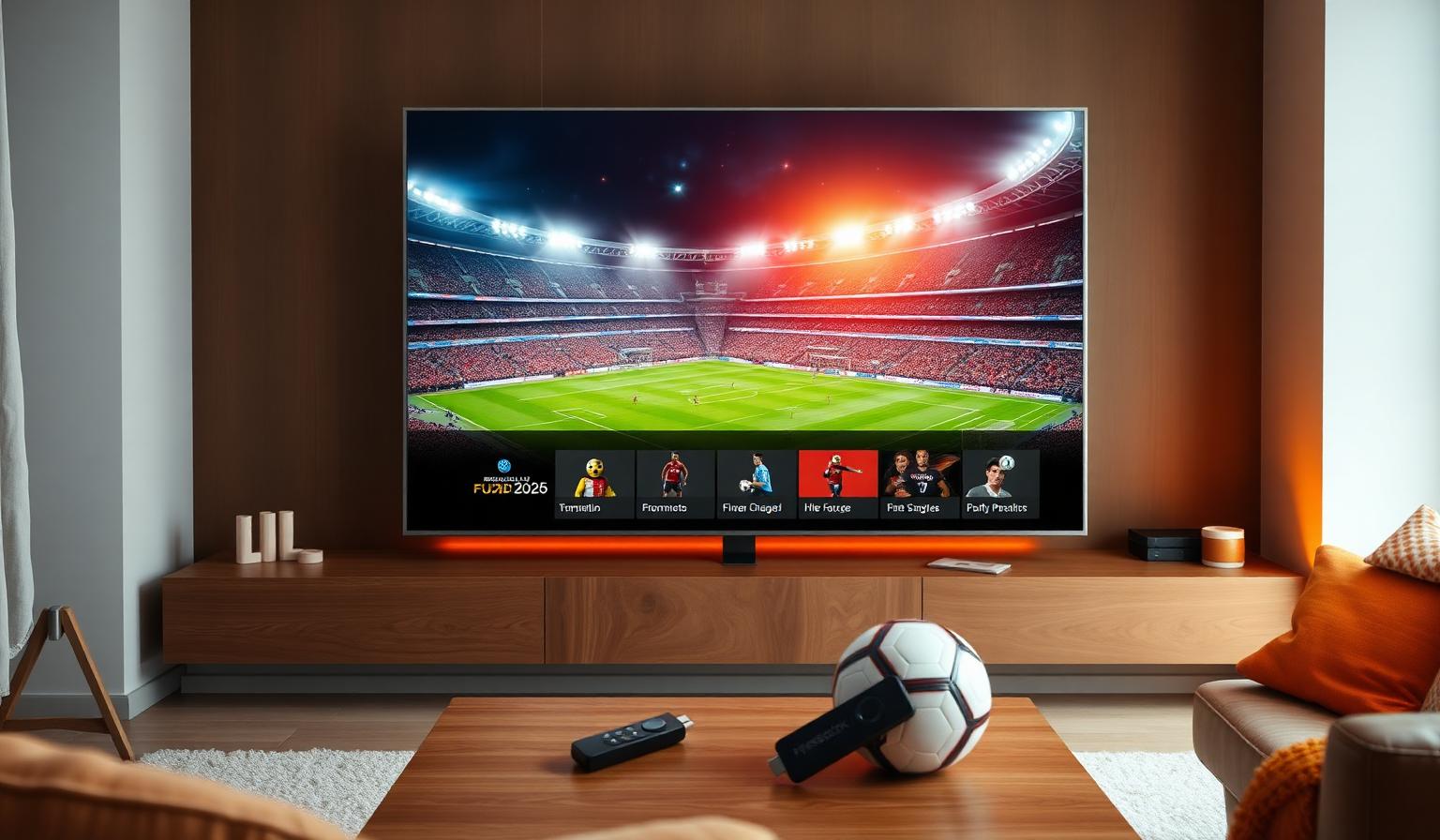
The FIFA World Cup 2026 is the biggest football event of the decade — 48 teams, 104 matches and three host countries (USA, Canada, Mexico). If you want to follow every group game, knockout round and the final without juggling cable contracts and regional blackouts, an IPTV subscription is one of the simplest answers. With a single playlist or portal URL, you can stream every official broadcaster in HD and 4K UHD on your Smart TV, Firestick, Android box or phone. In this guide you'll learn exactly how to watch the World Cup 2026 with IPTV — what you need, the best devices, a step-by-step setup and pro tips for smooth, lag-free matches in your language of choice.
Why Watch the World Cup 2026 with IPTV?
Traditional cable forces you to pay for big bundles, accept regional blackouts and juggle multiple apps for different broadcasters. A modern IPTV subscription brings every official channel into one player, often in 4K UHD with multi-language commentary. For a single tournament with 104 matches across many time zones, that flexibility makes a real difference.
- One subscription replaces multiple sports apps
- HD and 4K UHD with HEVC and HDR on supported channels
- Multi-language commentary (English, Spanish, Arabic, French, Portuguese, more)
- Works on Smart TV, Firestick, Android TV, MAG box, iOS and PC
- Channel switching in under two seconds — perfect for live games
What You Need to Watch the World Cup 2026 with IPTV
- An IPTV subscription with World Cup 2026 broadcasters included
- A 4K-capable TV, Firestick, Android box or MAG box
- A stable internet connection — 25 Mbps+ for 4K, ideally wired
- An IPTV player like IPTV Smarters Pro, TiviMate or OTT Navigator
New to IPTV? Start with our IPTV subscription guide for a complete overview.
Best Devices for World Cup 2026 Streaming
Smart TV (Samsung Tizen / LG webOS)
Modern 4K Smart TVs handle HEVC and HDR natively, which is perfect for World Cup matches. Use Smart IPTV or IPTV Smarters Pro and connect by Ethernet whenever possible.
Amazon Firestick 4K Max
Affordable, portable and supports 4K HDR. Pair it with TiviMate or IPTV Smarters Pro for a polished experience and fast channel switching during live games.
Android TV / MAG Box
Android TV boxes (Nvidia Shield, Chromecast with Google TV) and MAG boxes are stable, fast and built for IPTV. See our MAG box setup guide for step-by-step help.
Step-by-Step: Set Up IPTV Before the World Cup
- Pick a plan that fits your devices and household.
- Open the welcome email with your M3U URL or Xtream credentials.
- Install a player (IPTV Smarters Pro, TiviMate or OTT Navigator).
- Add your playlist or Xtream login and let the app load channels.
- Enable the EPG so you can plan every match in advance.
- Mark official World Cup 2026 broadcasters as favorites.
- Run a quick test stream a day before kick-off.
Tips for Smooth, Lag-Free World Cup Matches
- Use wired Ethernet on your main TV for stable 4K playback.
- Switch your router to the 5 GHz band for phones and tablets.
- Restart your router and streaming device a few hours before kick-off.
- Set DNS to 1.1.1.1 or 8.8.8.8 for faster channel loading.
- Pause cloud backups, downloads and game updates during matches.
For a deeper performance walkthrough, read our no-buffering IPTV guide.
Pros and Cons of Watching the World Cup with IPTV
Pros
- • Every official broadcaster in one app
- • HD and 4K UHD with HDR on supported channels
- • Multi-language commentary in one click
- • Works on Smart TV, Firestick, MAG, Android, iOS
- • EPG with kick-off times and match reminders
- • No regional blackouts on premium plans
Cons
- • Requires a stable internet connection
- • 4K UHD needs faster speeds and a capable TV
- • Free playlists are unreliable during peak matches
- • Some setup is needed before the first kick-off
Best Practices for World Cup Match Days
- Bookmark the official broadcaster for each fixture as a favorite.
- Keep two backup channels per match in case of overload.
- Open the EPG one hour before kick-off to confirm time and channel.
- If you stream on multiple devices, plan ahead — most plans cap simultaneous streams.
- Watch knockout games in 4K when available for the best stadium feel.
Watching from Different Regions
The World Cup 2026 is hosted across the USA, Canada and Mexico, but it's a global tournament. A premium IPTV subscription typically includes broadcasters from Europe, MENA, Africa, Asia and the Americas, so you can follow your national team in your own language wherever you are. For region-specific guides, see our European country guide and our kick-off times by country.
Conclusion
Watching the FIFA World Cup 2026 with IPTV is the simplest way to follow every match, in every language, on every device — without the limitations of cable contracts or regional blackouts. With the right subscription, a stable internet connection and a few smart settings, you'll be ready for kick-off in minutes. Set up early, mark your favorites and enjoy 104 matches of world-class football in stunning HD and 4K.
Getting ready for the tournament? Have a look at our subscription plans and pick what fits your devices — no pressure, just clear options.
Ready to start streaming?
Explore our subscription plans and get instant access to live TV, sports and a huge VOD library on any device.
View IPTV PlansFrequently Asked Questions
More from the blog
Complete guide to streaming the FIFA World Cup 2026 with IPTV — best devices, apps, internet speeds, setup steps and tips for HD & 4K live football.
Complete guide to high quality streaming with VOD — best devices, internet speed needs, setup steps, pros & cons, and expert tips for the ultimate on-demand experience.