IPTV Apps Comparison: Which One Is Best? (2026)
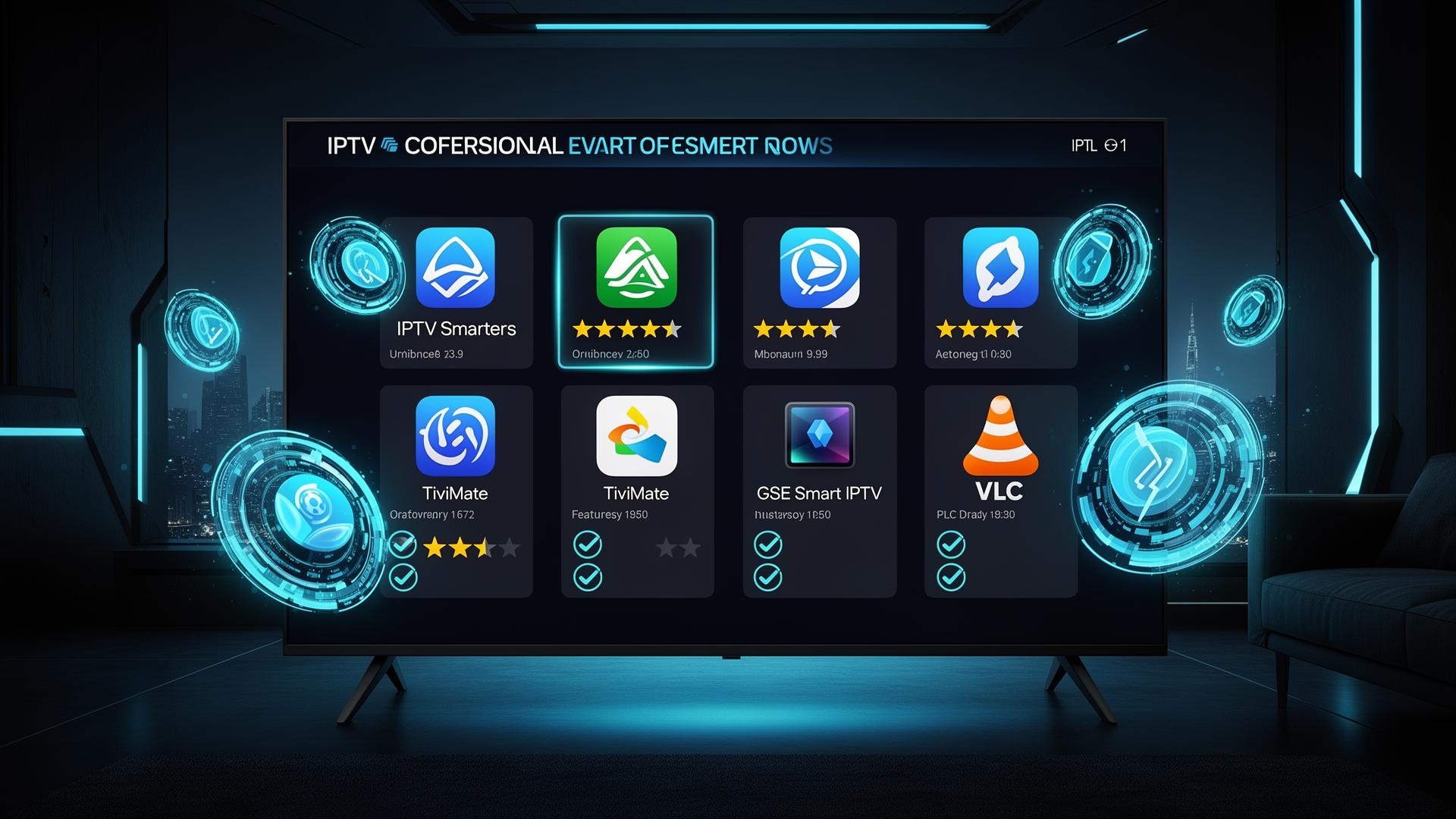
With hundreds of IPTV apps available across every platform, choosing the right one can feel overwhelming. Whether you stream on a Firestick, Android TV, Apple TV, smartphone or laptop, the app you select directly impacts your viewing experience. In this comprehensive comparison, we evaluate the best IPTV apps of 2026 across key categories including interface design, features, device support, ease of use and value for money. By the end, you will know exactly which app suits your setup and viewing habits.
How We Evaluated These Apps
Our comparison is based on hands-on testing, user reviews, feature analysis and real-world performance across common streaming scenarios. We rated each app on the following criteria:
- User Interface: Clean layout, intuitive navigation and visual appeal
- EPG Quality: Program guide accuracy, layout and update frequency
- Device Support: Availability across platforms and screen sizes
- Features: Recording, catch-up, favorites, parental controls, multi-screen
- Stability: Crash frequency, buffering issues and playback reliability
- Setup Ease: How quickly a new user can get channels loaded and playing
- Value: Free vs paid, subscription models and feature-to-price ratio
Top IPTV Apps Compared
TiviMate — Best for Android TV & Firestick
TiviMate is the gold standard for Android TV and Amazon Firestick users. Its interface closely mimics a traditional cable TV experience with a polished channel grid, smooth navigation and responsive playback. The premium version unlocks advanced features like scheduled recording, multiple playlist support, customizable channel groups, catch-up TV and a beautiful dark-themed UI.
- Best-in-class EPG with TV-style grid layout
- Scheduled recording and catch-up TV support
- Multiple playlist management
- Customizable channel groups and favorites
- Premium requires subscription after trial
IPTV Smarters Pro — Best All-Rounder
IPTV Smarters Pro is the most versatile IPTV app, supporting Android, iOS, Firestick, Android TV, Windows, macOS and web browsers. Its clean, modern interface makes it ideal for beginners while still offering enough features to satisfy power users. The app supports M3U playlists, Xtream Codes API, EPG integration, multi-screen viewing, VOD sections, parental controls and built-in VPN support.
- Available on virtually every platform
- Supports M3U, Xtream Codes and local playlists
- Multi-screen and picture-in-picture modes
- Built-in VPN and parental controls
- Free and premium versions available
GSE Smart IPTV — Best for Apple Devices
GSE Smart IPTV is the go-to choice for Apple TV, iPhone and iPad users. It offers robust playlist management, EPG support, Chromecast and AirPlay integration, and compatibility with a wide range of stream formats. The app supports both M3U and JSON playlists, includes parental controls, and allows offline playlist editing through its built-in FTP and HTTP upload features.
- Optimized for iOS, iPadOS and tvOS
- Chromecast and AirPlay support
- Offline playlist editing via FTP/HTTP
- Advanced playback controls and casting
- Free version contains ads
VLC Media Player — Best Free Cross-Platform Option
VLC is the Swiss Army knife of media players. It plays virtually every audio and video format, including IPTV streams via M3U playlists. While it lacks dedicated IPTV features like EPG grids, channel favorites or recording, it is completely free, open-source, and runs on every operating system known to exist. For users who want a no-cost, no-frills IPTV player, VLC is unbeatable.
- Completely free and open-source
- Runs on every major OS and platform
- Supports virtually all stream formats
- No ads, no tracking, no subscriptions
- No EPG, recording or advanced IPTV features
Kodi with PVR IPTV Simple Client — Most Customizable
Kodi is a powerful open-source media center that transforms any device into a full-featured entertainment hub. With the PVR IPTV Simple Client addon, Kodi becomes a capable IPTV player with EPG support, channel logos, recording capabilities and deep customization options. The real power comes from Kodi's ecosystem of thousands of addons for movies, series, sports and live TV. However, the setup process is more complex than dedicated IPTV apps.
- Deep customization and theming options
- Extensive addon ecosystem beyond IPTV
- PVR recording and EPG support
- Works on all major platforms
- Steeper learning curve for beginners
Quick Comparison Table
| App | Platforms | EPG | Recording | Price | Beginner Friendly |
|---|---|---|---|---|---|
| TiviMate | Android TV, Firestick | Excellent | Yes (Premium) | Free trial / Paid | Medium |
| IPTV Smarters Pro | All major platforms | Good | Limited | Free / Premium | Yes |
| GSE Smart IPTV | iOS, tvOS, Android | Good | No | Free (ads) / Paid | Yes |
| VLC | All platforms | None | No | Free | Yes |
| Kodi | All major platforms | Good | Yes | Free | Advanced |
Which App Should You Choose?
For Firestick & Android TV
TiviMate is the clear winner. Its TV-optimized interface, premium EPG and recording features deliver the closest experience to a high-end cable box. The premium subscription is worth every penny for regular viewers.
For Cross-Platform Use
IPTV Smarters Pro is unbeatable if you switch between devices. One app runs on your phone, tablet, TV, laptop and browser with synced settings and consistent interface quality.
For Apple Users
GSE Smart IPTV is purpose-built for Apple TV, iPhone and iPad. AirPlay and Chromecast support, clean iOS-style design, and reliable playback make it the top choice in the Apple ecosystem.
For Power Users
Kodi offers unlimited customization. If you enjoy tinkering with addons, skins and advanced settings, Kodi transforms your device into a full media center with IPTV as one component of a larger entertainment system.
Step-by-Step: Choosing Your IPTV App
- Identify your primary device: Start with the device you watch most often. Firestick users should prioritize TiviMate or IPTV Smarters Pro. Apple users should look at GSE Smart IPTV or iPlayTV.
- Decide on your budget: VLC and Kodi are completely free. IPTV Smarters Pro and GSE offer free tiers. TiviMate requires a paid subscription for full features after the trial period.
- Consider your technical comfort level: Beginners should choose IPTV Smarters Pro or GSE Smart IPTV. Intermediate users will love TiviMate. Advanced users who enjoy customization should explore Kodi.
- Test before committing: Most apps offer free versions or trials. Load your M3U playlist or Xtream Codes credentials and test channel loading, EPG accuracy, playback smoothness and interface comfort for a few days.
- Check for updates and support: Choose apps that receive regular updates. Active development means bug fixes, new features and compatibility with the latest devices.
Pros and Cons of Dedicated IPTV Apps
Advantages
- Purpose-built for live TV with channel guides
- Optimized interfaces for TV screens and remotes
- EPG integration for program discovery
- Favorites, grouping and parental controls
- Recording and catch-up capabilities
- Multi-screen and PiP support
- Regular updates with new features
Disadvantages
- Some require paid subscriptions for full features
- Quality varies between apps and devices
- Setup can be confusing for first-time users
- Not all apps support every stream format
- Free versions often contain advertisements
- App store policies can affect availability
- Customer support is typically limited
Tips for Getting the Most from Your IPTV App
- Use a wired connection when possible: Ethernet provides more stable streaming than Wi-Fi, especially for 4K channels and live sports.
- Organize your channels: Create custom groups for sports, movies, news and kids channels. A well-organized playlist saves time and improves the viewing experience.
- Enable EPG auto-update: Keep your program guide current by setting automatic EPG refreshes in your app settings.
- Set up favorites: Mark frequently watched channels as favorites for instant access without scrolling through thousands of entries.
- Use a VPN for privacy: Some IPTV apps include built-in VPN support. A VPN adds security and can help bypass regional restrictions on certain content.
- Keep your app updated: Developers regularly release updates that improve performance, fix bugs and add compatibility with new devices.
Conclusion
There is no single "best" IPTV app for everyone. The ideal choice depends on your devices, budget, technical skills and viewing priorities. TiviMate dominates the Android TV and Firestick space with its premium cable-like experience. IPTV Smarters Pro wins for cross-platform versatility and beginner-friendliness. GSE Smart IPTV serves Apple users exceptionally well, while VLC and Kodi remain unbeatable free options for minimalist and power users respectively.
We recommend testing two or three apps with your own playlist before committing. Every provider's streams behave slightly differently across apps, and personal preference plays a major role in daily usability. Whichever app you choose, pairing it with a reliable IPTV subscription is what ultimately determines your streaming satisfaction.
For more streaming insights, explore our guides on the best IPTV apps for 2026, setting up IPTV on Firestick, and IPTV apps for Apple devices in Europe.
Image suggestions for this post
- App comparison screenshot montage: Side-by-side screenshots of TiviMate, IPTV Smarters Pro and GSE Smart IPTV interfaces on a large Smart TV — ALT: "Side-by-side comparison of TiviMate, IPTV Smarters Pro and GSE Smart IPTV interfaces on Android TV"
- Device ecosystem photo: Multiple streaming devices including Firestick, Apple TV, Android TV box and smartphone arranged on a modern media console — ALT: "Collection of popular streaming devices including Firestick, Apple TV and Android TV box showing IPTV app compatibility across platforms"
- Feature checklist infographic: Clean visual checklist comparing IPTV app features like EPG, recording, cross-platform support and price — ALT: "Infographic checklist comparing IPTV app features including EPG quality, recording, device support and pricing tiers"
Ready to start streaming?
Explore our subscription plans and get instant access to live TV, sports and a huge VOD library on any device.
View IPTV PlansFrequently Asked Questions
More from the blog
Complete guide to high quality streaming with VOD — best devices, internet speed needs, setup steps, pros & cons, and expert tips for the ultimate on-demand experience.
Complete guide to premium 4K streaming for IPTV — best devices, internet speed needs, HDR setup, pros & cons, and expert tips for stunning Ultra HD quality.