Premium Streaming Service: Easy Setup, Fast Performance & VOD
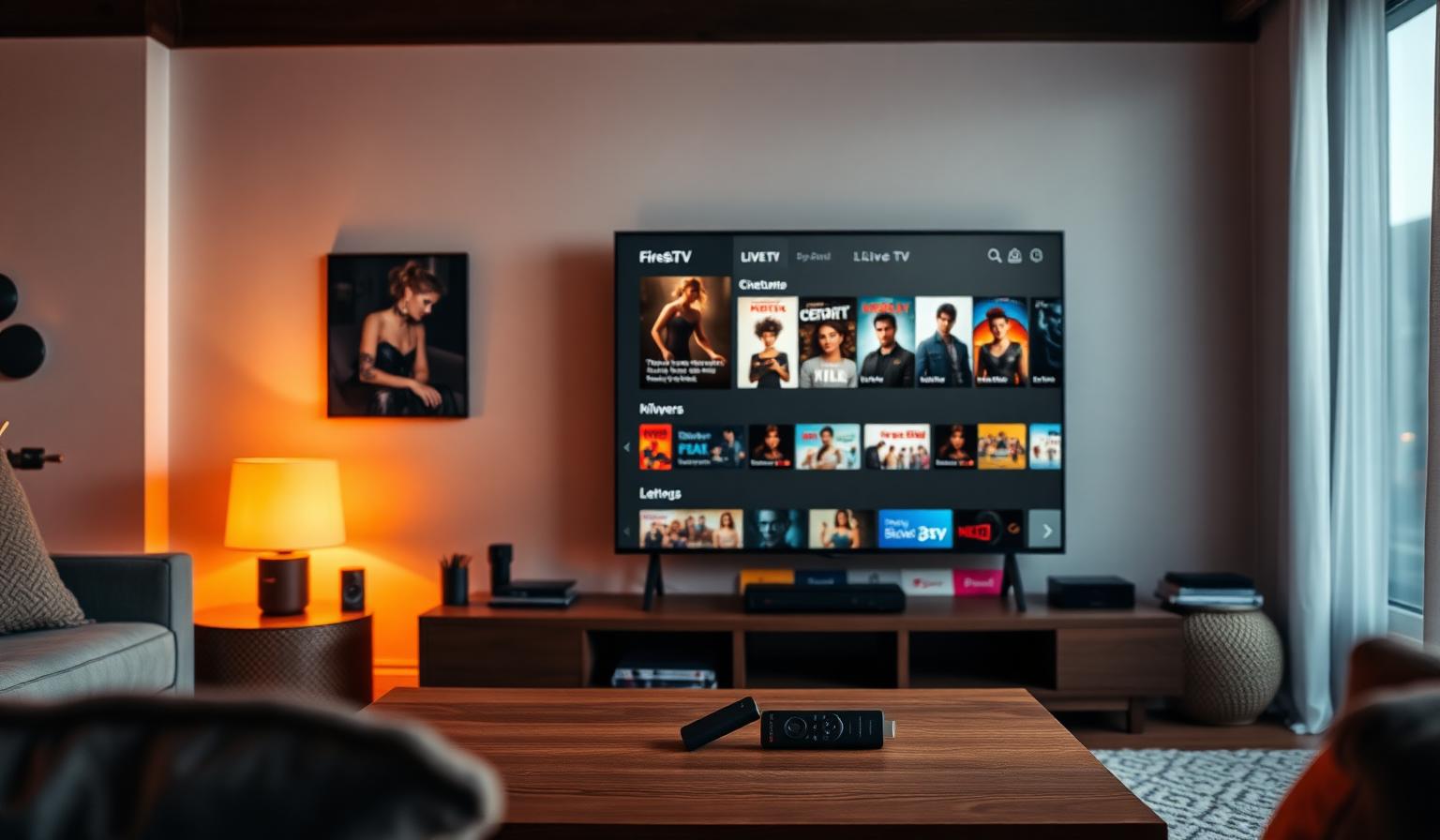
A premium streaming service is no longer a luxury — it is the easiest way to bring live TV, sports, news and a massive on-demand library into one app on every screen in your home. The best providers in 2026 focus on three things at the same time: a setup so simple your parents could finish it, fast performance with low buffering even on busy nights, and a deep VOD catalogue you actually want to watch. In this guide you will learn what to look for, how to install your service step by step on Smart TV and Firestick, the pros and cons compared to traditional cable, plus practical tips to keep your stream smooth in HD and 4K.
What Is a Premium Streaming Service?
A premium streaming service is a paid subscription that delivers live channels and on-demand content over the internet, replacing satellite dishes and cable boxes. Instead of dealing with hardware installs, you simply log in on a streaming app and start watching. Premium tiers add value through 4K UHD video, faster servers, multi-device support, electronic program guides (EPG) and a curated VOD library — all designed for a smooth, modern viewing experience on any TV.
Why Easy Setup Matters
Most viewers do not want to spend an evening reading documentation. A great service should take you from sign-up to first show in under ten minutes. Easy setup means clear emails, a single playlist URL or Xtream login, and apps that auto-load your channels, logos and EPG. When the onboarding is friction-free, users actually use the service — and that is when streaming starts to replace cable for good.
Signs Setup Will Be Painless
- Welcome email arrives within minutes of payment
- Clear, copy-friendly playlist URL or Xtream credentials
- Step-by-step guides for Smart TV, Firestick, Android and iOS
- Compatibility with popular IPTV players (Smarters Pro, TiviMate, OTT Navigator)
- Live chat or WhatsApp support for setup questions
Fast Performance: What to Expect
Performance is what separates a premium service from a frustrating one. Fast performance means quick channel switching (ideally under two seconds), minimal buffering during prime time, and stable 4K playback on supported channels. Behind the scenes, the provider uses load-balanced servers, modern codecs (H.265/HEVC), and a CDN that keeps streams close to your location.
Recommended Internet Speeds
- SD streaming: 5 Mbps
- HD streaming: 10–15 Mbps
- FHD / multi-device: 20 Mbps
- 4K UHD: 25 Mbps or higher, ideally wired
VOD Entertainment: Movies, Series and More
A strong VOD library is the heart of modern streaming. Beyond live channels, premium services include thousands of movies and complete TV series organised by genre, language and release year. The best catalogues mix global blockbusters with local cinema, kids content, documentaries and seasonal collections that refresh regularly so there is always something new to watch.
- Hollywood, Bollywood, European and Latin movies
- Complete TV series with multiple seasons
- Kids and family content with parental controls
- Documentaries, lifestyle and travel
- Multiple audio tracks and subtitle languages
Step-by-Step Setup Guide
The exact steps vary slightly by device, but the workflow is similar everywhere.
On a Smart TV (Samsung Tizen / LG webOS)
- Open the app store and install a player like Smart IPTV or IPTV Smarters Pro.
- Note the device MAC address shown on the player's home screen.
- Log in to your provider's portal and add your playlist URL.
- Reboot the app — channels, EPG and VOD load automatically.
On Amazon Firestick
- Search the Amazon Appstore for "IPTV Smarters Pro" and install it.
- Open the app and choose "Login with Xtream Codes API" or "Add M3U URL".
- Paste the credentials from your welcome email and save.
- Use the remote to browse Live TV, Series and Movies sections.
On Android TV / Google TV
- Install TiviMate or OTT Navigator from the Play Store.
- Add a new playlist using the M3U URL or Xtream login.
- Enable the EPG source for a full TV guide.
- Sort favorites and start streaming in HD or 4K.
Need a deeper walkthrough? Our Samsung & LG Smart TV setup guide and Firestick setup guide cover each step with screenshots.
Pros and Cons
Pros
- • One subscription replaces multiple apps and bills
- • Works on Smart TV, Firestick, Android, iOS, PC and Mac
- • HD and 4K UHD video with modern codecs
- • Huge live channel lineup plus a deep VOD library
- • Quick channel switching and minimal buffering
- • 24/7 support and easy onboarding
Cons
- • Requires a stable internet connection
- • 4K playback needs faster speeds and a capable TV
- • Some apps need a one-time learning curve
- • Free or unverified playlists are unreliable
Best Practices for a Smooth Experience
- Use Ethernet on your main TV when possible, or place the router close to it.
- Keep your streaming app updated — new versions improve playback and stability.
- Switch to a 5 GHz Wi-Fi band for less interference on phones and tablets.
- Restart your router weekly to clear DNS issues that cause slow loading.
- Pick a player with hardware decoding for cooler, smoother 4K playback.
For more troubleshooting tips, see our guide to fixing buffering issues.
Tips to Get the Most Out of Your Subscription
- Set up favorites and groups for quick access to the channels you actually watch.
- Enable the EPG so you can plan your evening and set reminders for live events.
- Use parental controls to lock adult or sensitive categories on family TVs.
- Try the catch-up feature where available to rewatch live shows on your schedule.
- Pair your streaming service with a reliable DNS service for faster lookups.
Conclusion
A premium streaming service brings together everything modern viewers want: a quick setup, smooth playback in HD and 4K, and a vast VOD library that keeps the family entertained. With the right provider and a good app, you can be watching live TV, sports and movies on any device in just a few minutes — without the cables, contracts or surprise bills of traditional pay TV. Take your time picking a service that fits your devices and viewing habits, and the rest will simply work.
Curious about the right plan for your household? Have a look at our subscription plans to compare what fits best — no pressure, just clear options.
Ready to start streaming?
Explore our subscription plans and get instant access to live TV, sports and a huge VOD library on any device.
View IPTV PlansFrequently Asked Questions
More from the blog
Complete guide to high quality streaming with VOD — best devices, internet speed needs, setup steps, pros & cons, and expert tips for the ultimate on-demand experience.
Complete guide to premium 4K streaming for IPTV — best devices, internet speed needs, HDR setup, pros & cons, and expert tips for stunning Ultra HD quality.